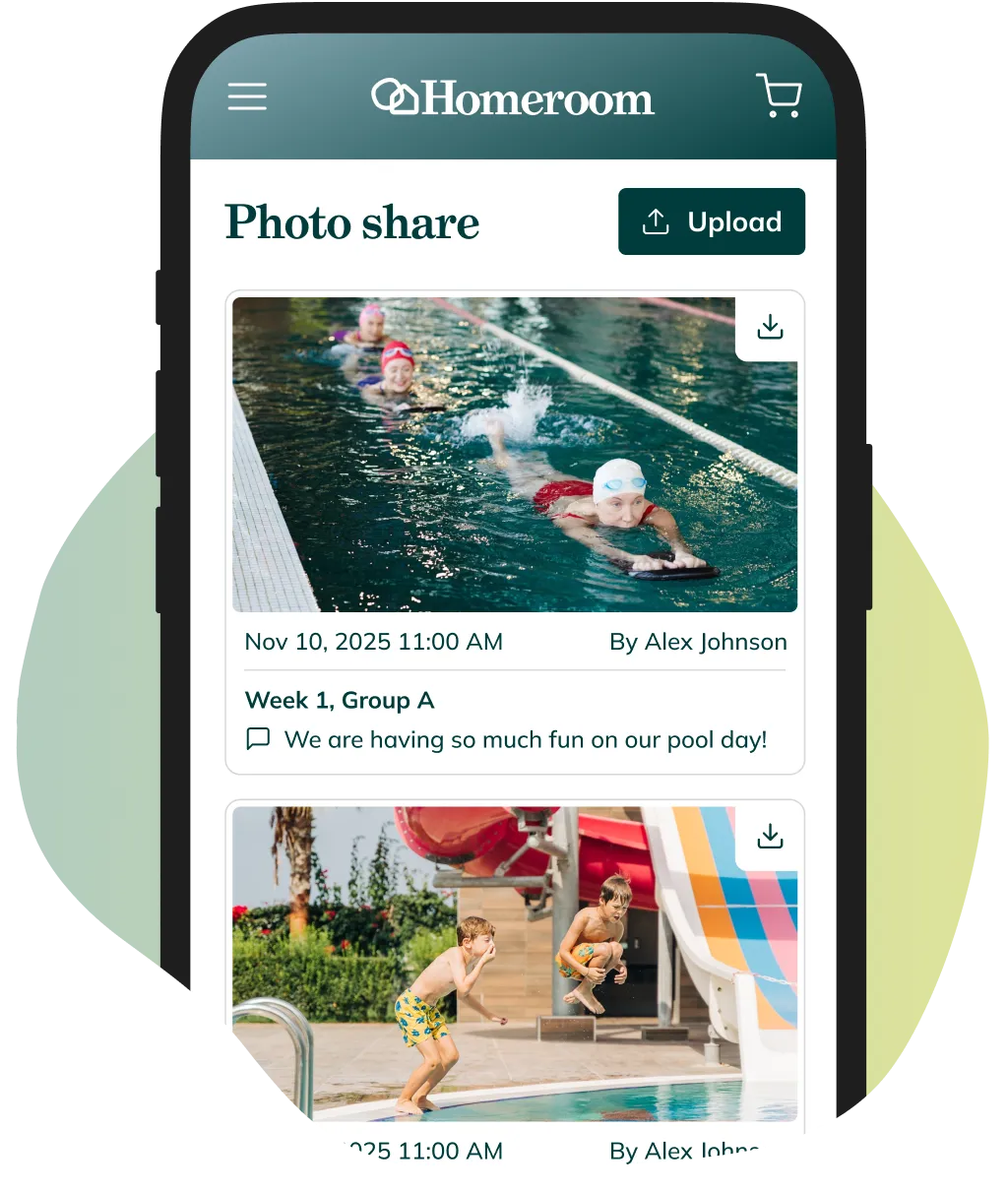


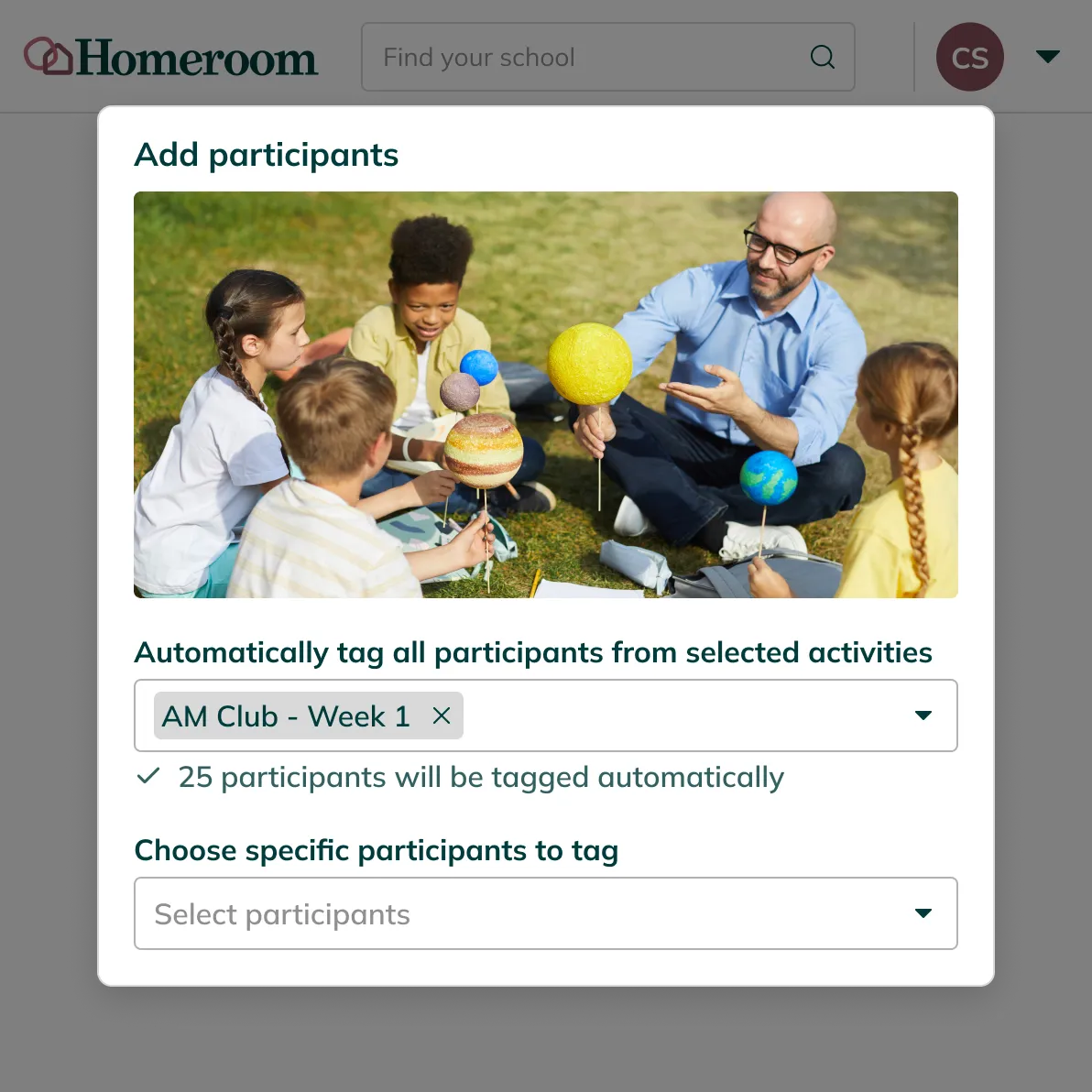
Homeroom handles access automatically. When you tag a photo by student, group, or activity roster, Homeroom routes it to the families enrolled in that activity. Families log in to their Homeroom account to see their child's photos. No one outside that account can view them.
A private feed for each family
Each family sees only what their child is part of.
Families see a personalized feed of their child's activities, showing only enrolled programs with the latest updates first.
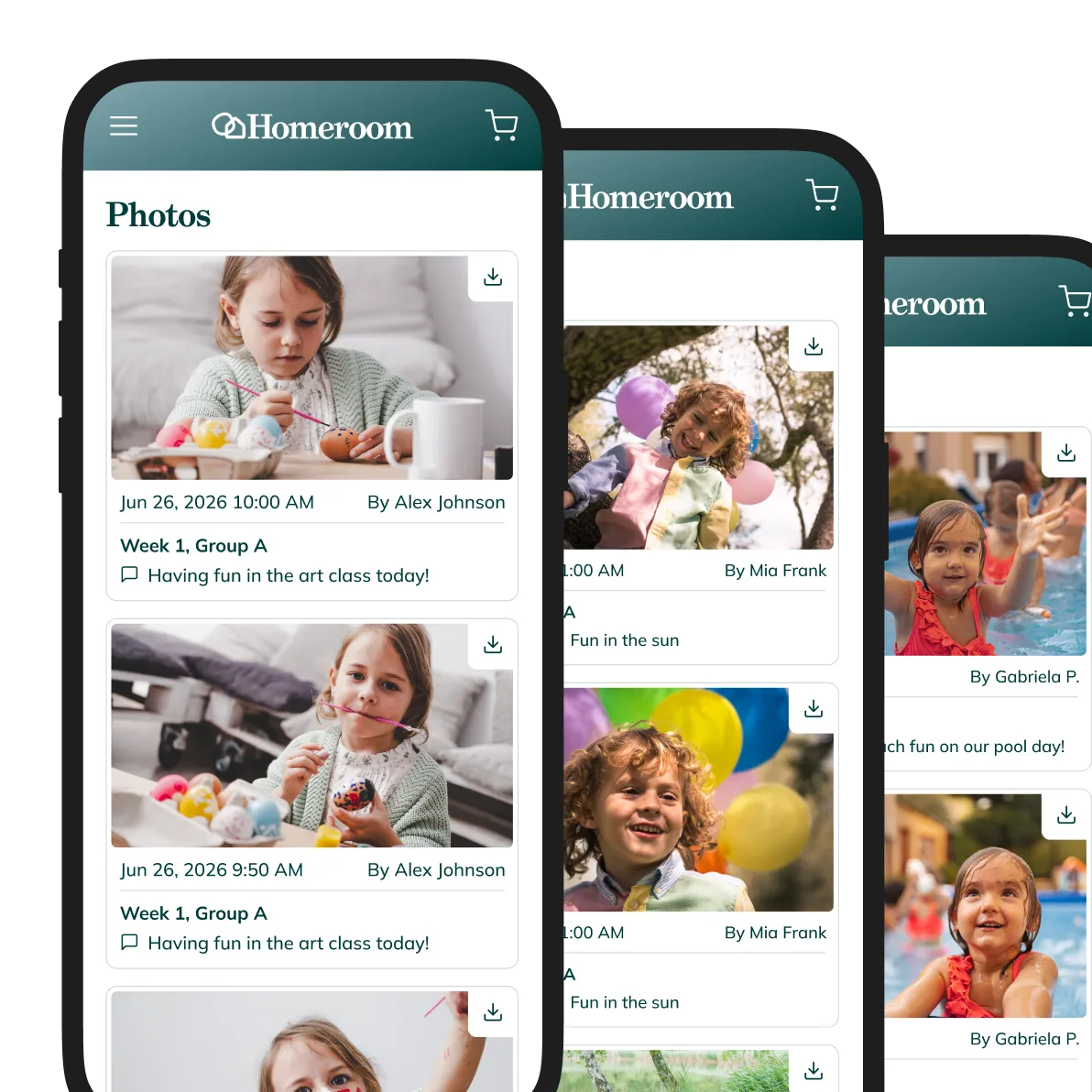

Upload, tag, and share in minutes
Instructors upload.
Families see it right away.
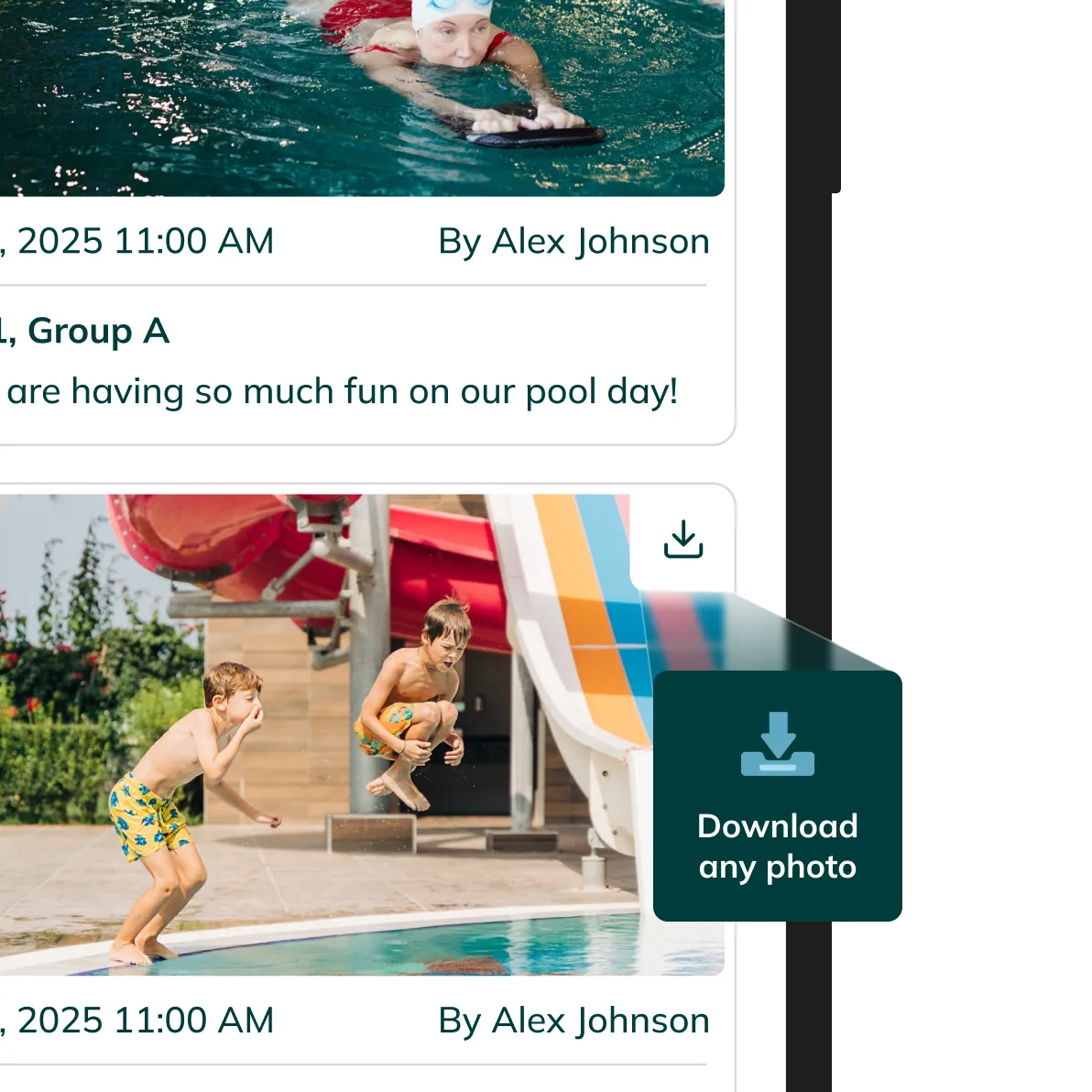
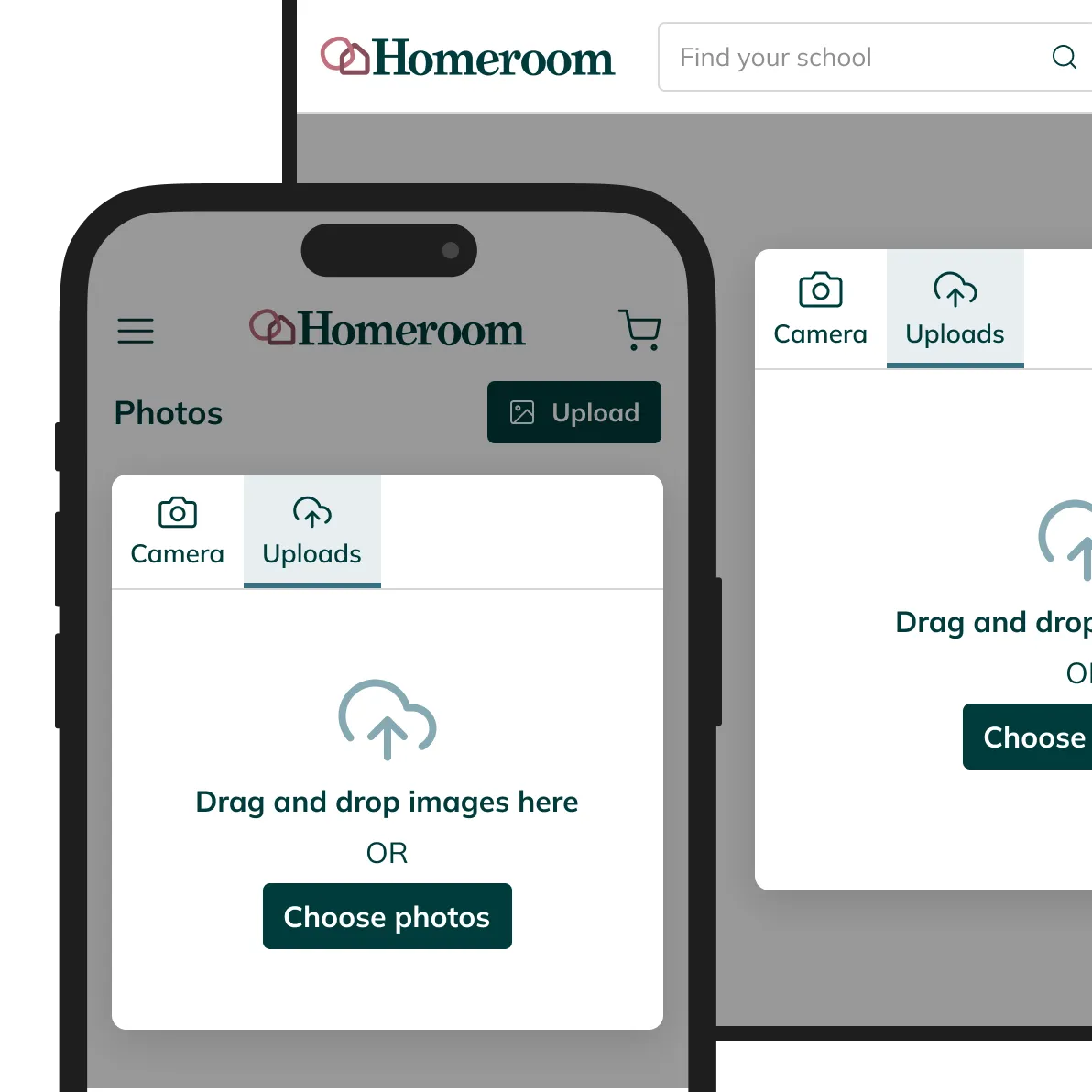
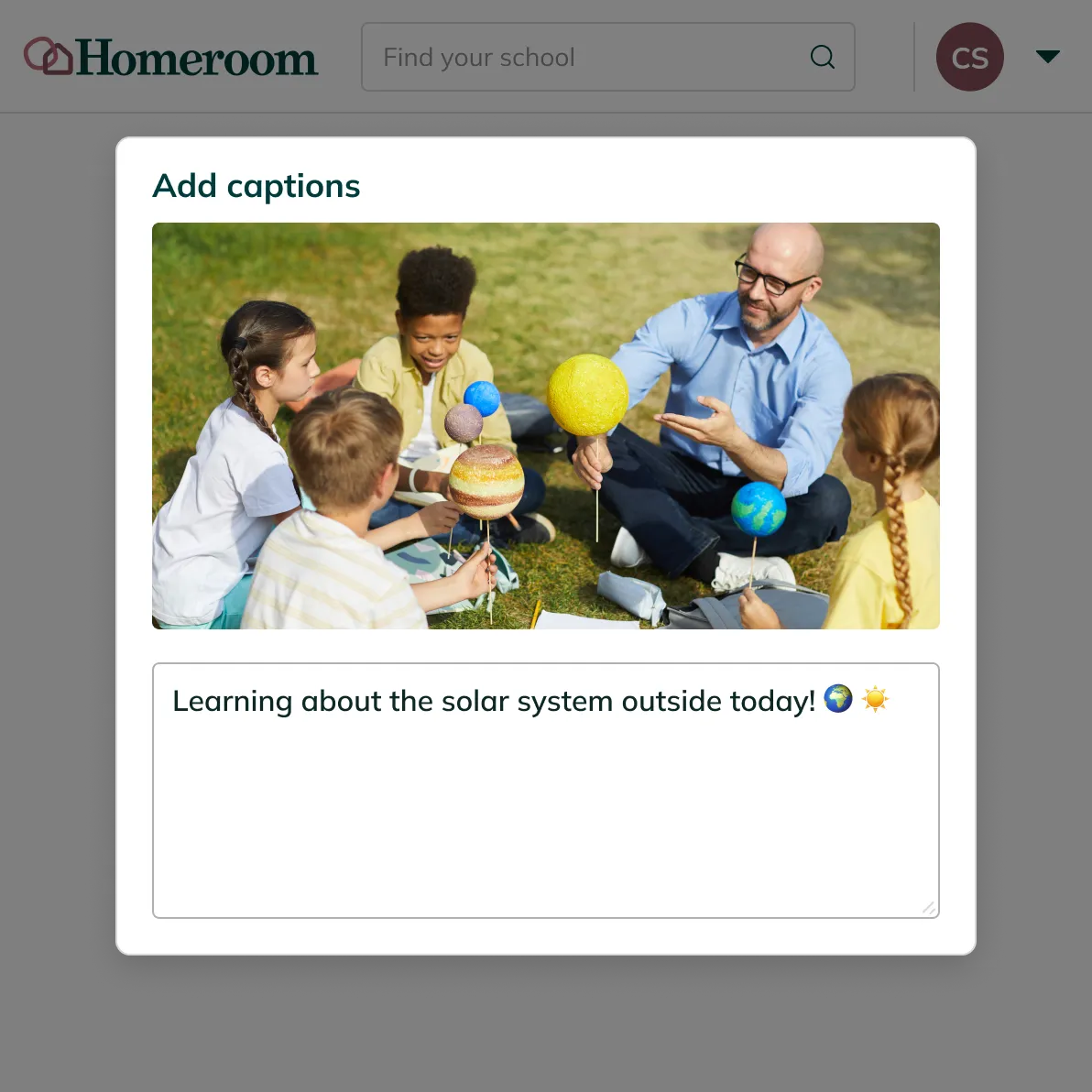
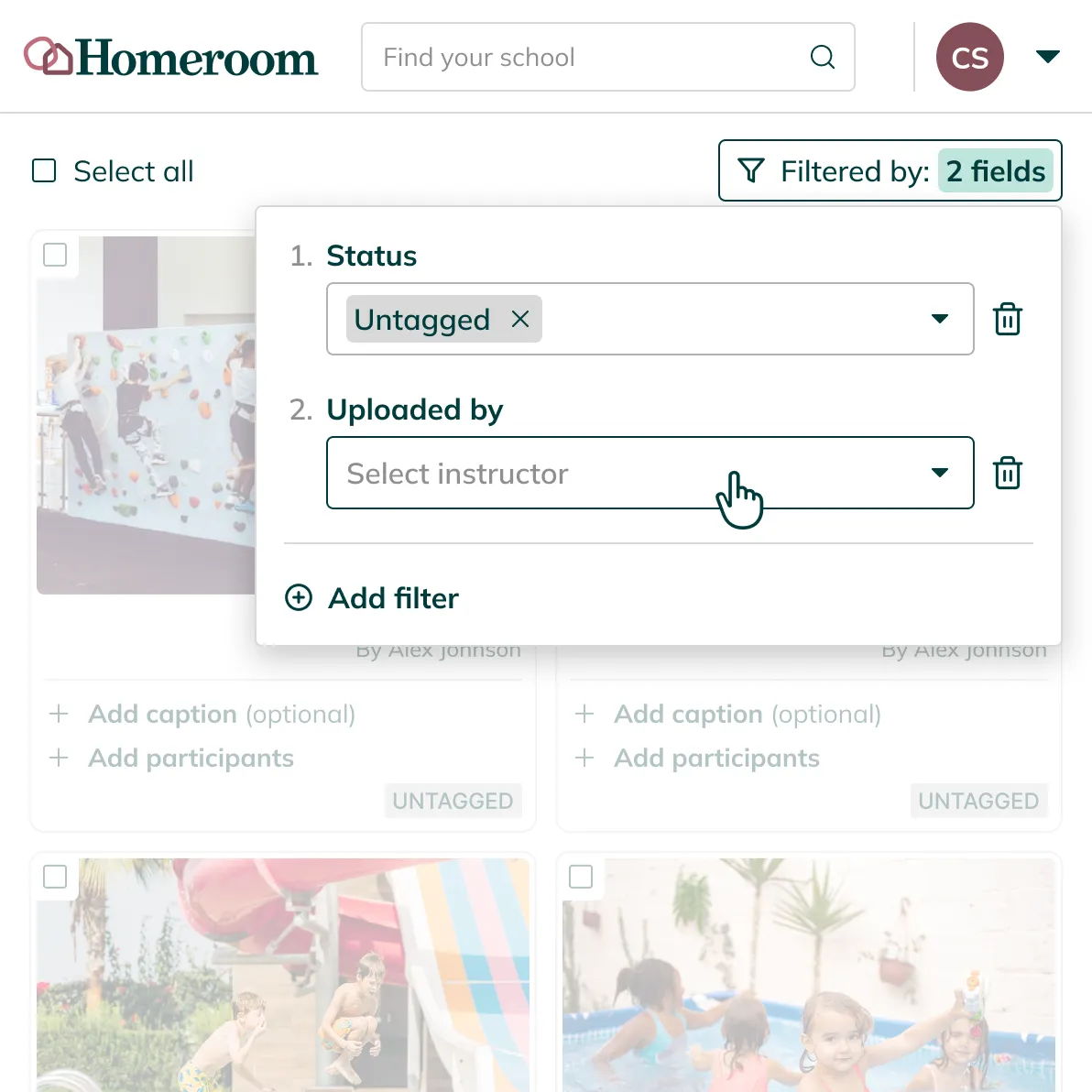
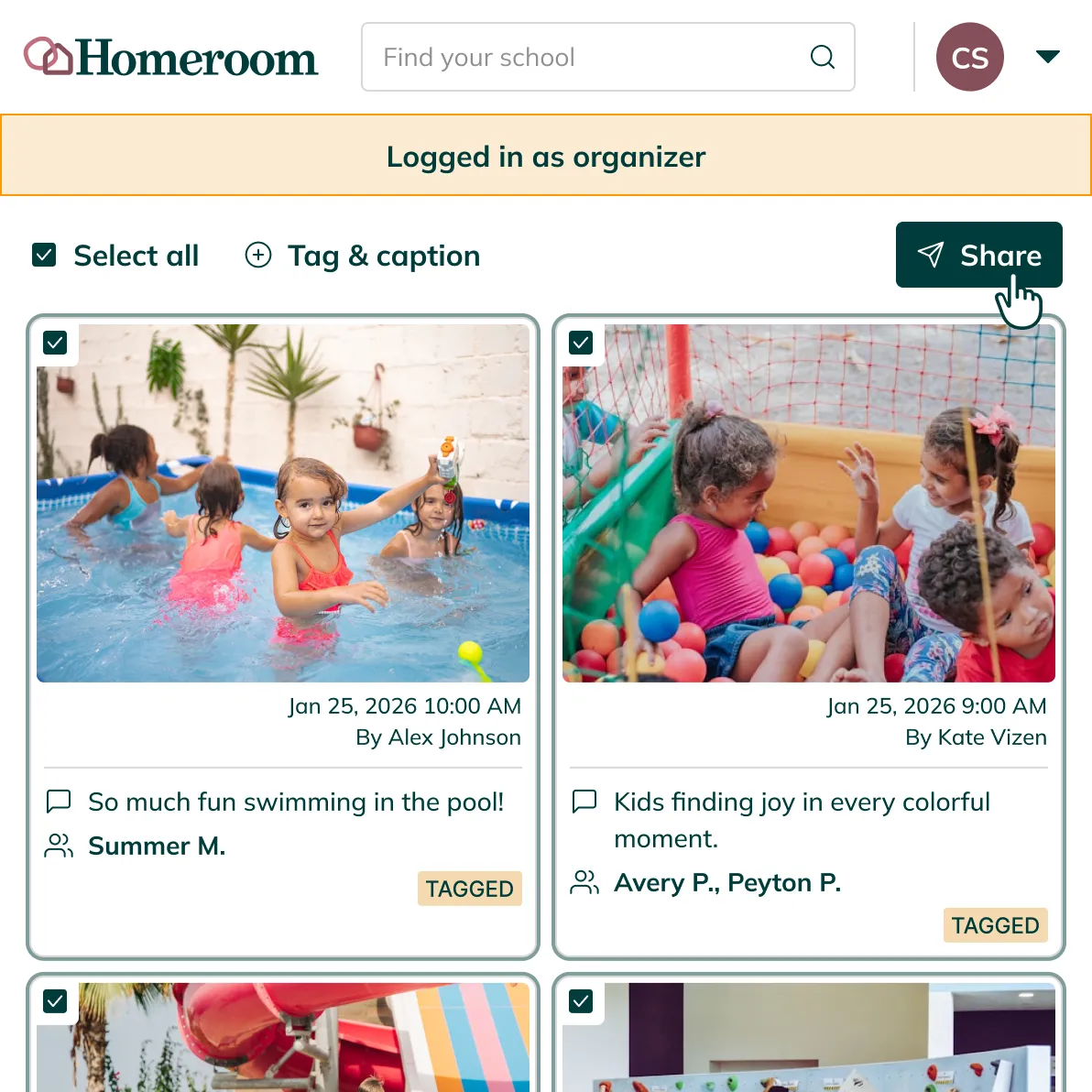
Instructors upload directly from their phones, tablets, or computers. Organizers can review the full photo library, update captions, and manage what has been shared, all in one place.
Privacy that takes care of itself
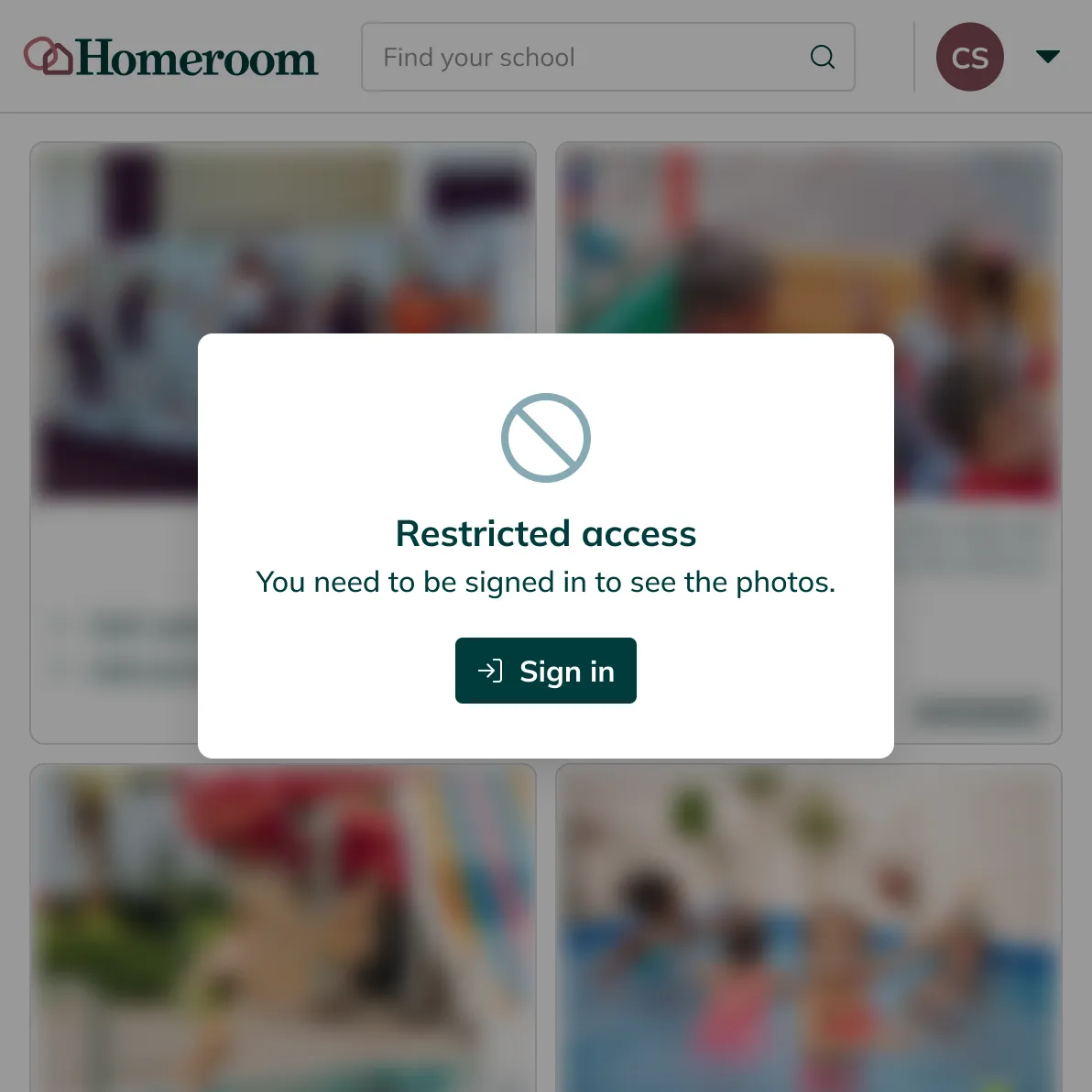
Only logged-in family members can see the photos you share.
Homeroom delivers every photo using a secure, session-based token. If someone has the URL but no Homeroom account, they see nothing. Privacy is not a setting you have to configure. It is how the system works.
An integrated solution purpose-built for the programs you offer.
Frequently asked questions
Don't let your questions go unanswered – check out our FAQs.
No, we believe in earning your business every day. You are not locked into any contracts and can decide to use Homeroom when it makes sense for your school.
Our platform simplifies registration and payments for afterschool, enrichment, and camp programs by operating separately from your school's tuition software. This streamlined approach allows for a hassle-free payment process, while also enabling families outside of the school community to seamlessly enroll in these valuable programs.
No. Photo sharing is built into Homeroom and turned on by default for all activities. Families access photos through the same Homeroom account they use to register. No separate download, no separate login.
Access is scoped by activity enrollment. When you tag a photo, only the families enrolled in that activity can see it. Organizers can also edit captions or remove photos from the library at any time.
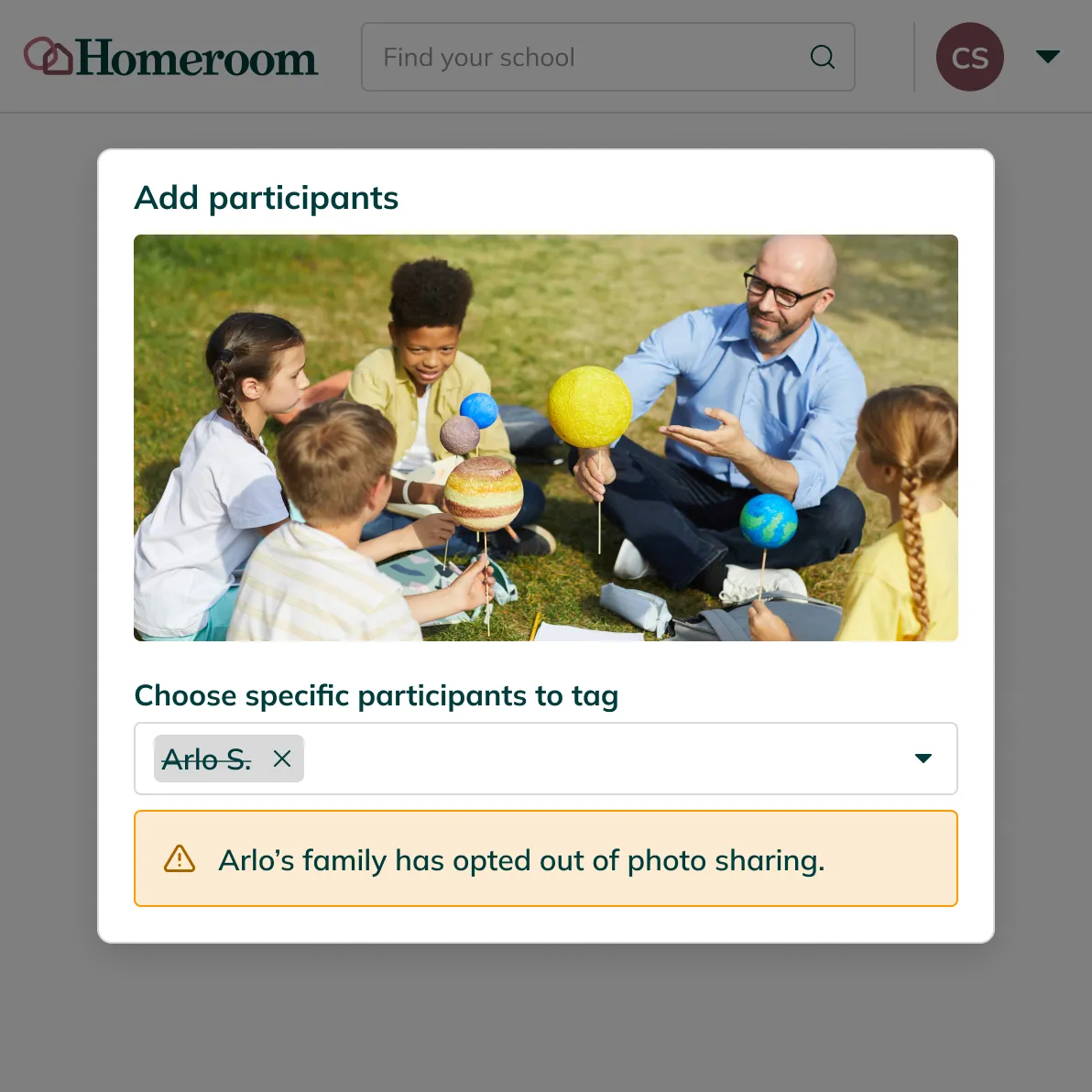
Yes. Parents can opt individual children out of photo sharing at any time. Homeroom flags any photos that include opted-out children before they are shared, so nothing reaches that family unintentionally.
Updates and inspiration
Industry insights
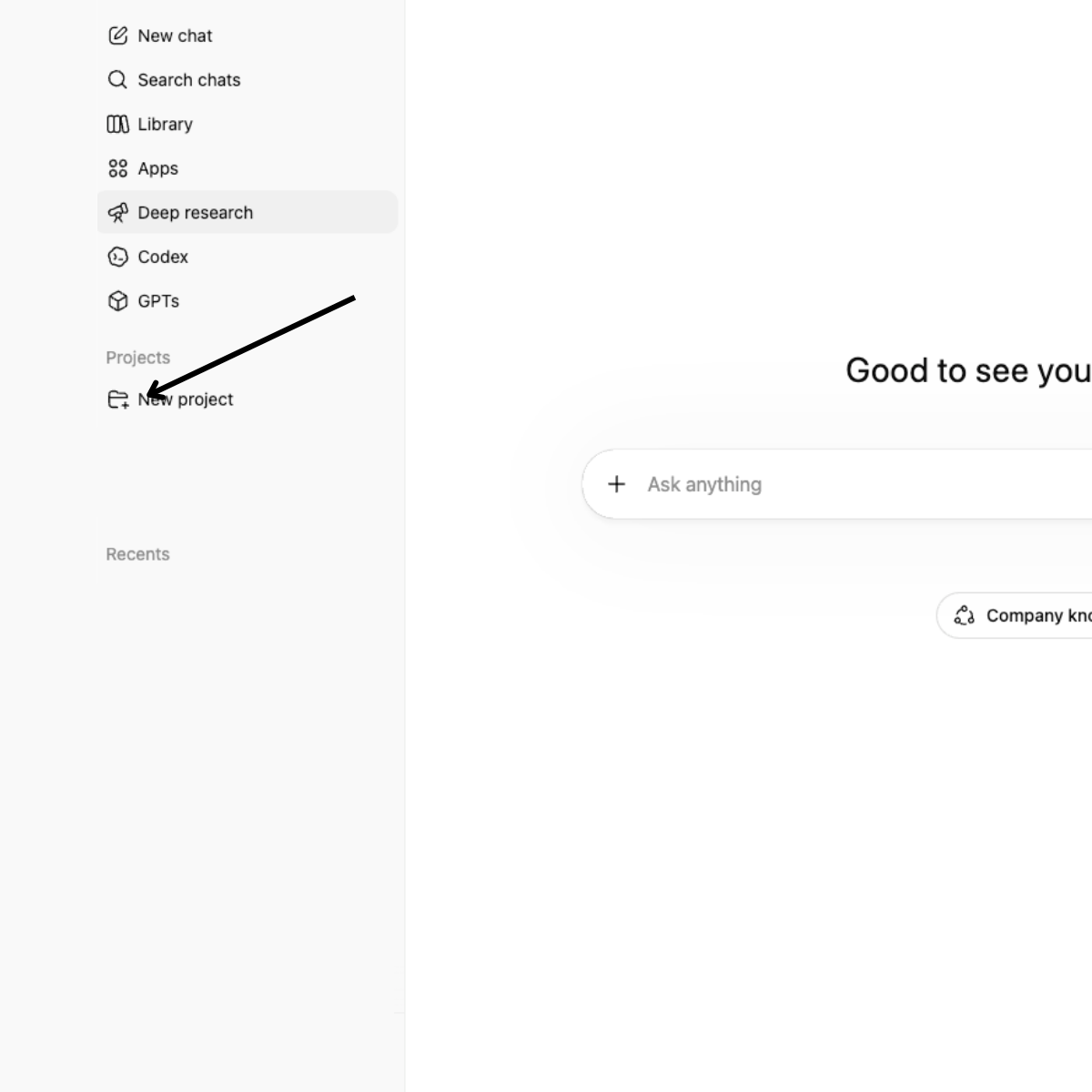
How School Leaders Can Get Better Results from AI: Start with Context
AI for school leaders, how to use ChatGPT for schools, AI tips for school administrators, ChatGPT projects for schools, Claude projects for schools, AI for school programs, AI for program directors, how to use AI for school communications, AI enrollment data analysis, practical AI for education, AI tools for independent schools, ChatGPT for school marketing
Casandra S.


Your programs happen in moments. Let the right families see them.
Photo sharing is one of the things Homeroom handles automatically so you can stay focused on your program. If you want to see how it works in practice, we are happy to walk you through it.


