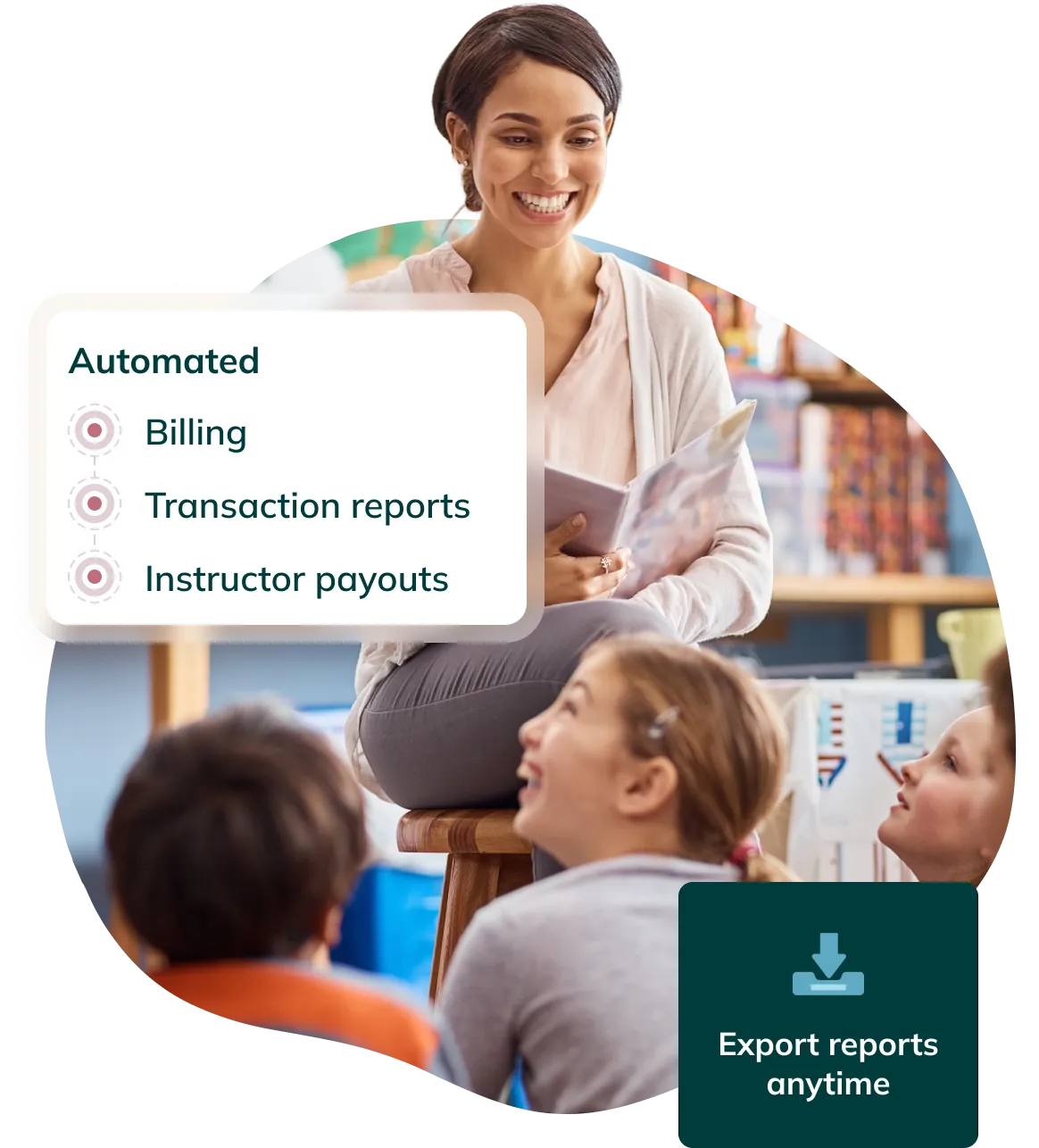
Homeroom charges families at enrollment or on a recurring schedule, depending on how the program is set up. Charges run automatically. The school does not send invoices or track payment due dates manually.
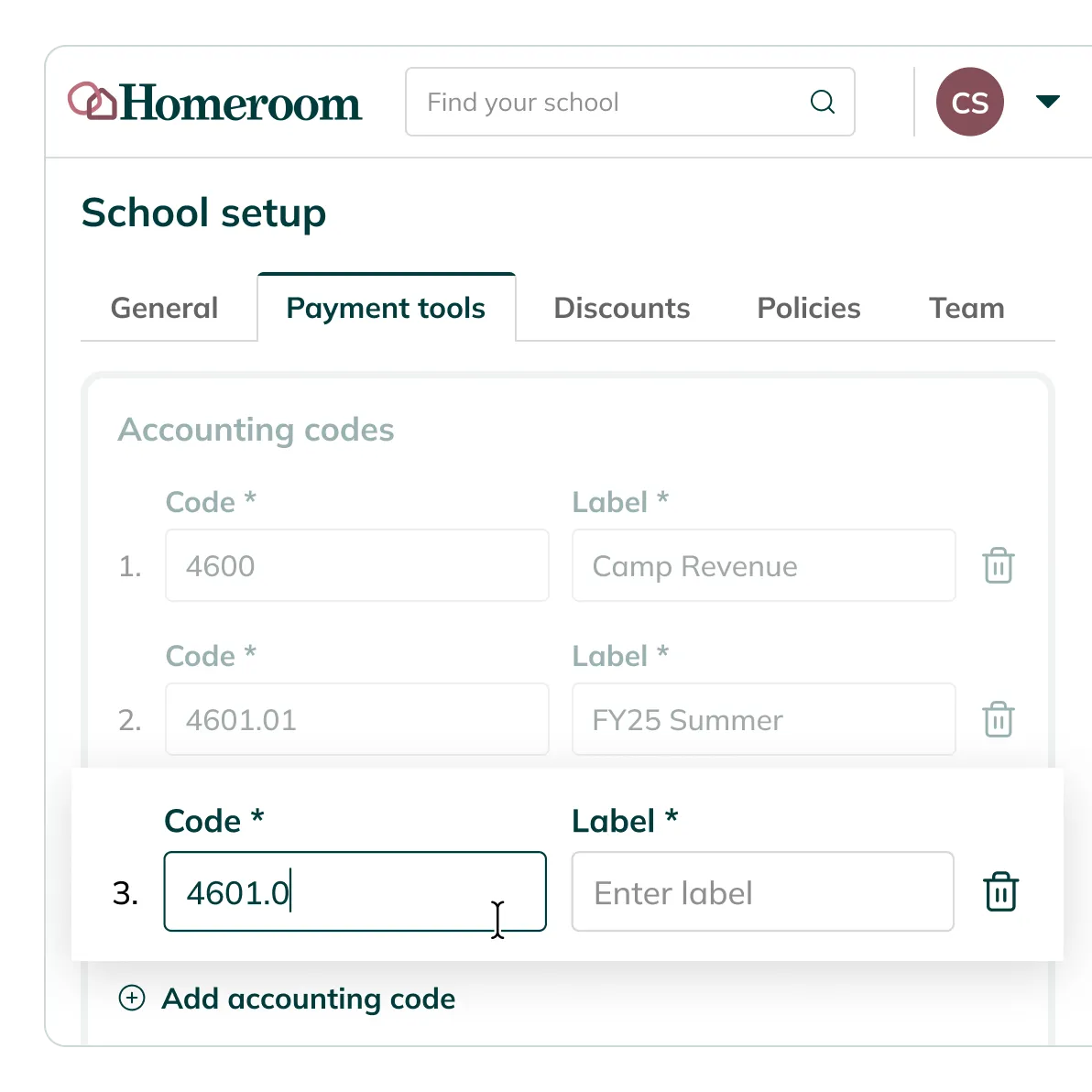
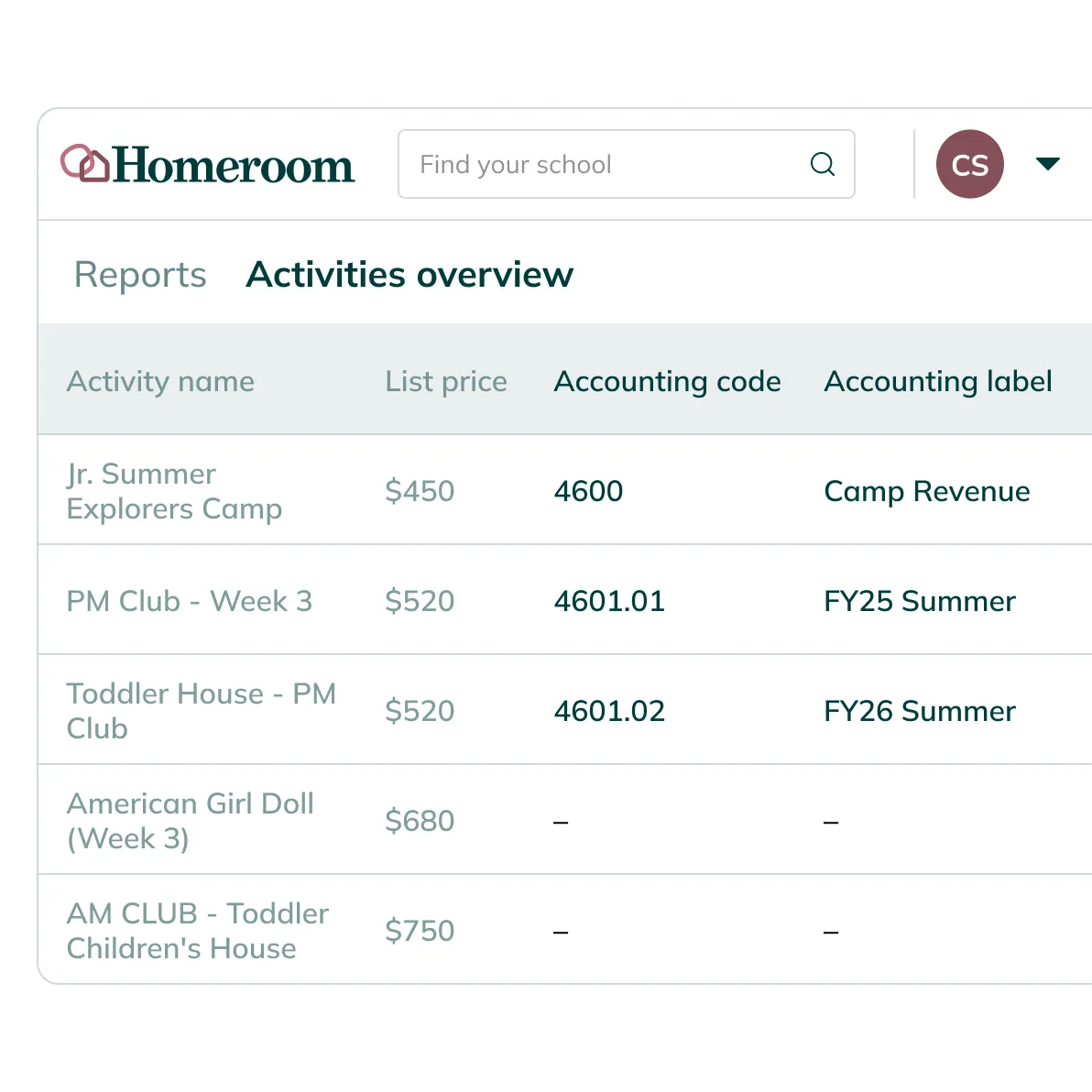
Setup GL accounting codes
before the season starts
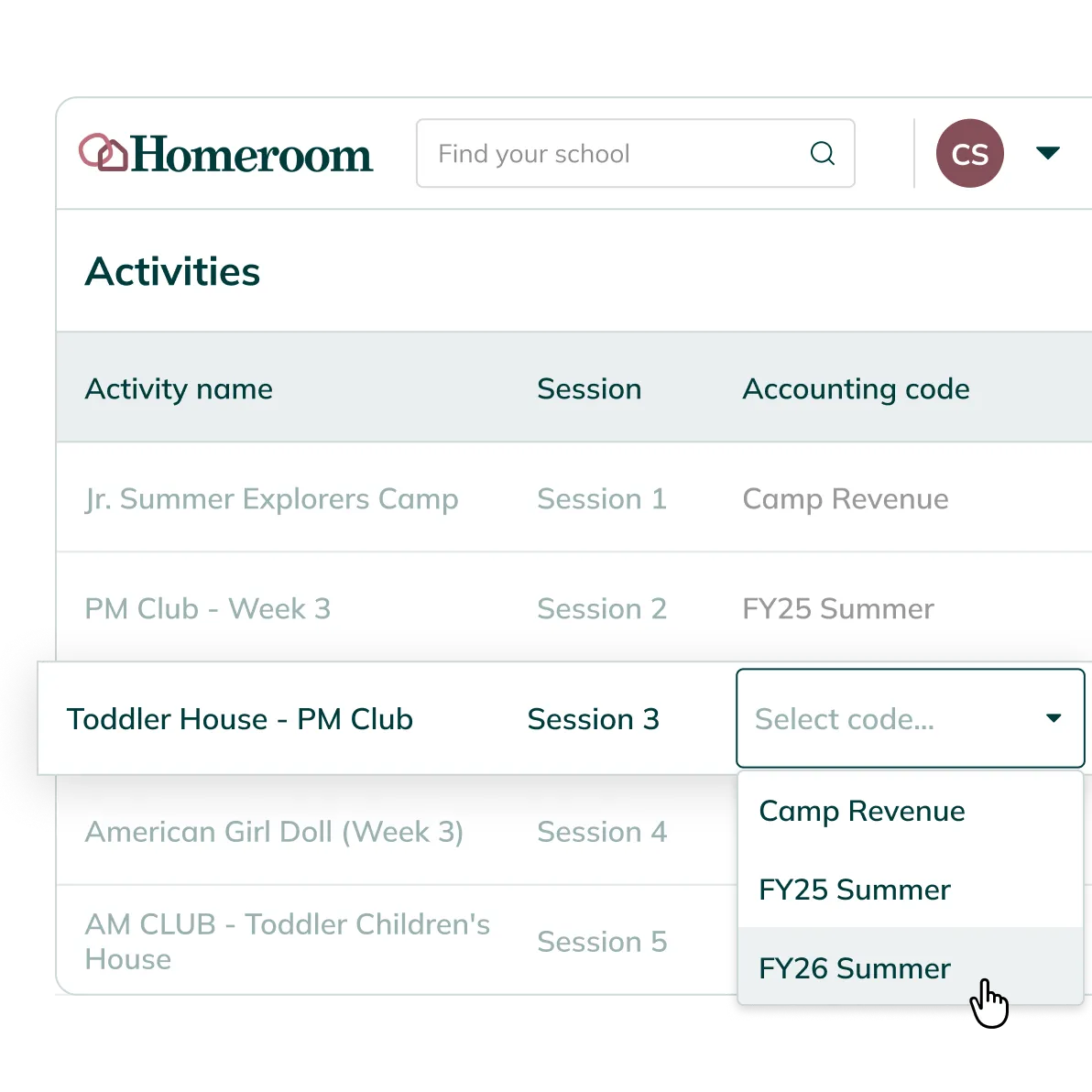
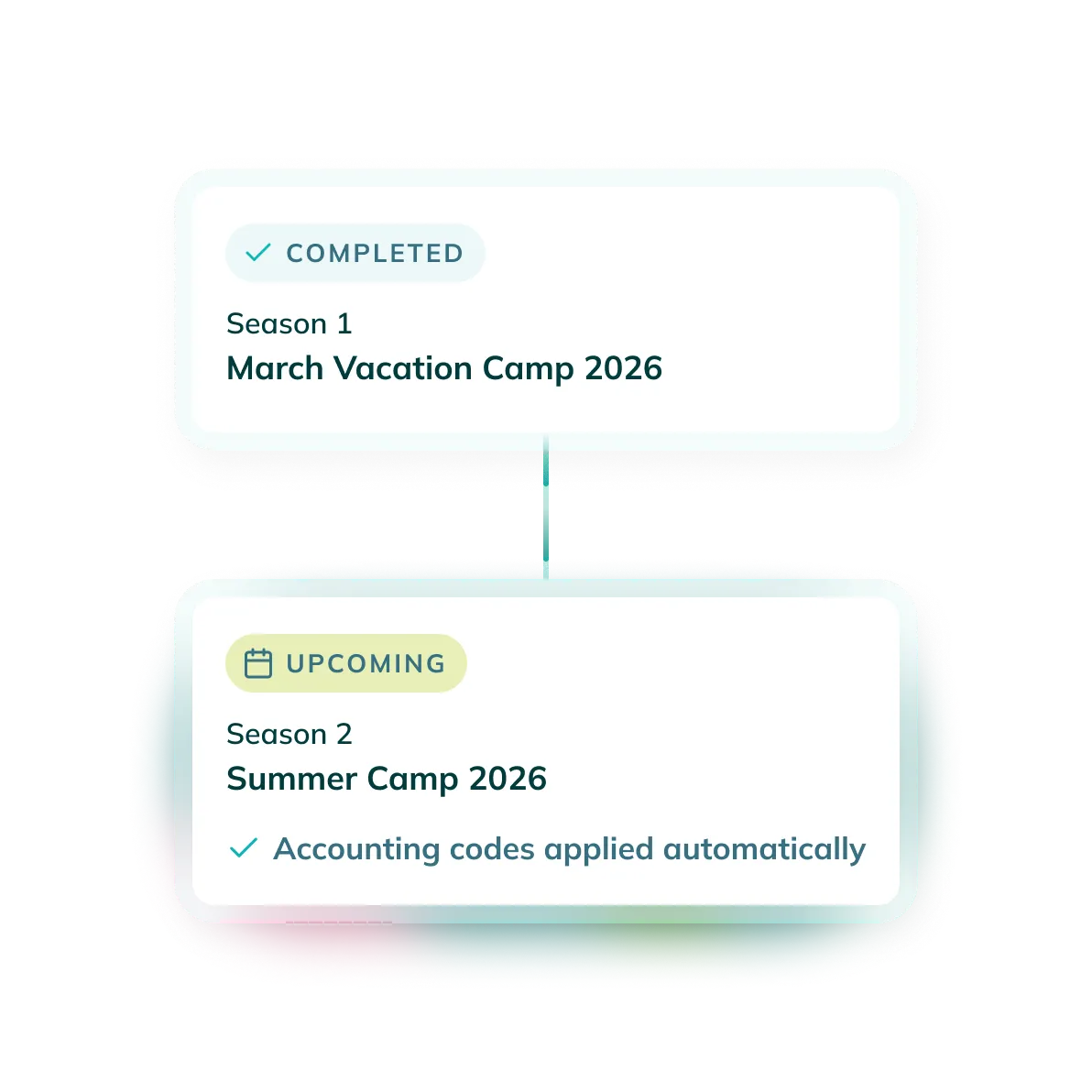
Program revenue maps to the right accounts before the season starts
Set up GL codes once, before your first enrollment opens, and they carry every dollar to the right account all season without anyone touching them again.
Automated billing
once enrollment opens
Billing that runs on your schedule, not you to-do list.
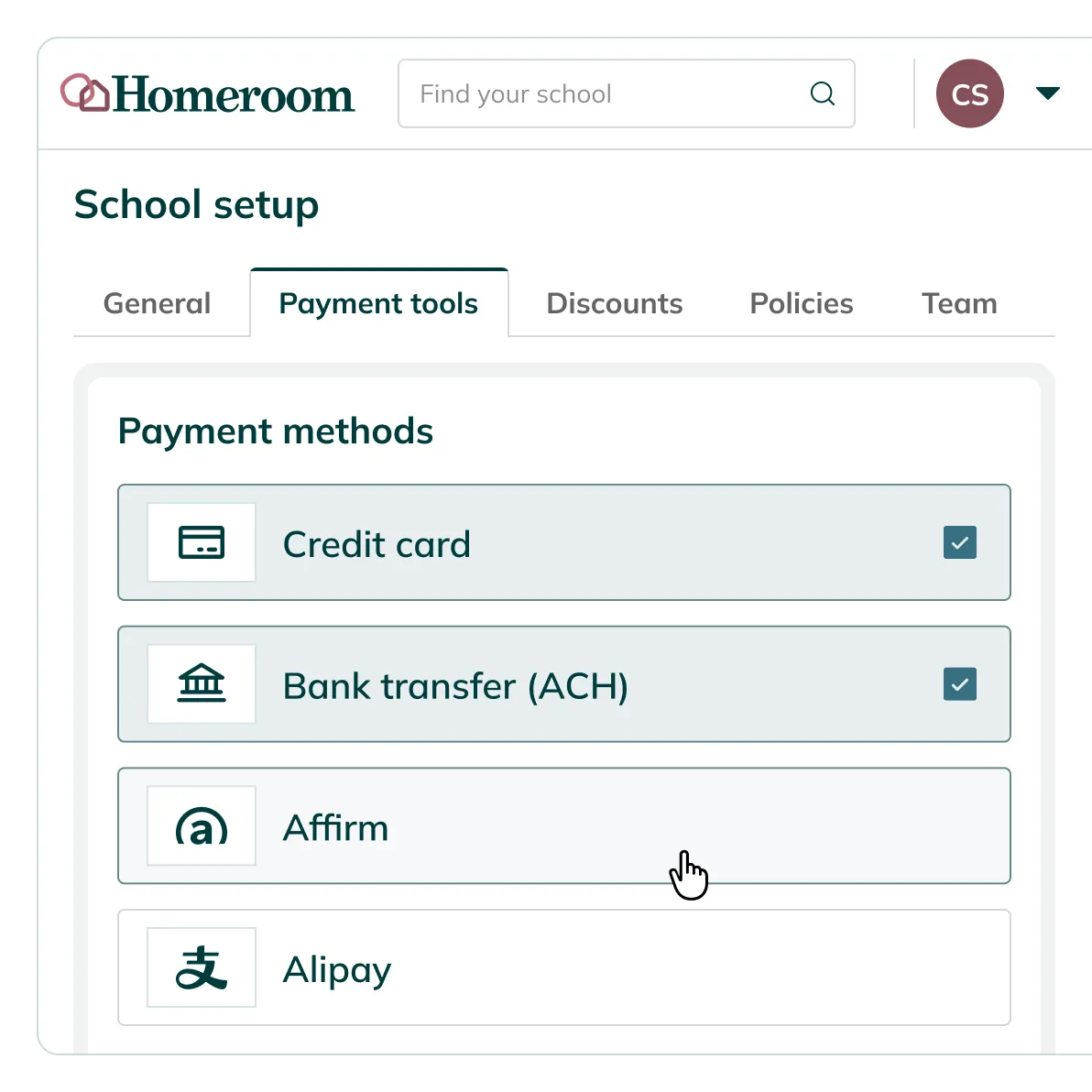
The moment enrollment opens, billing takes over. Charges go out at registration, on a recurring schedule, or by usage — nobody on staff has to remember to send one.
Reporting & exports
all season long
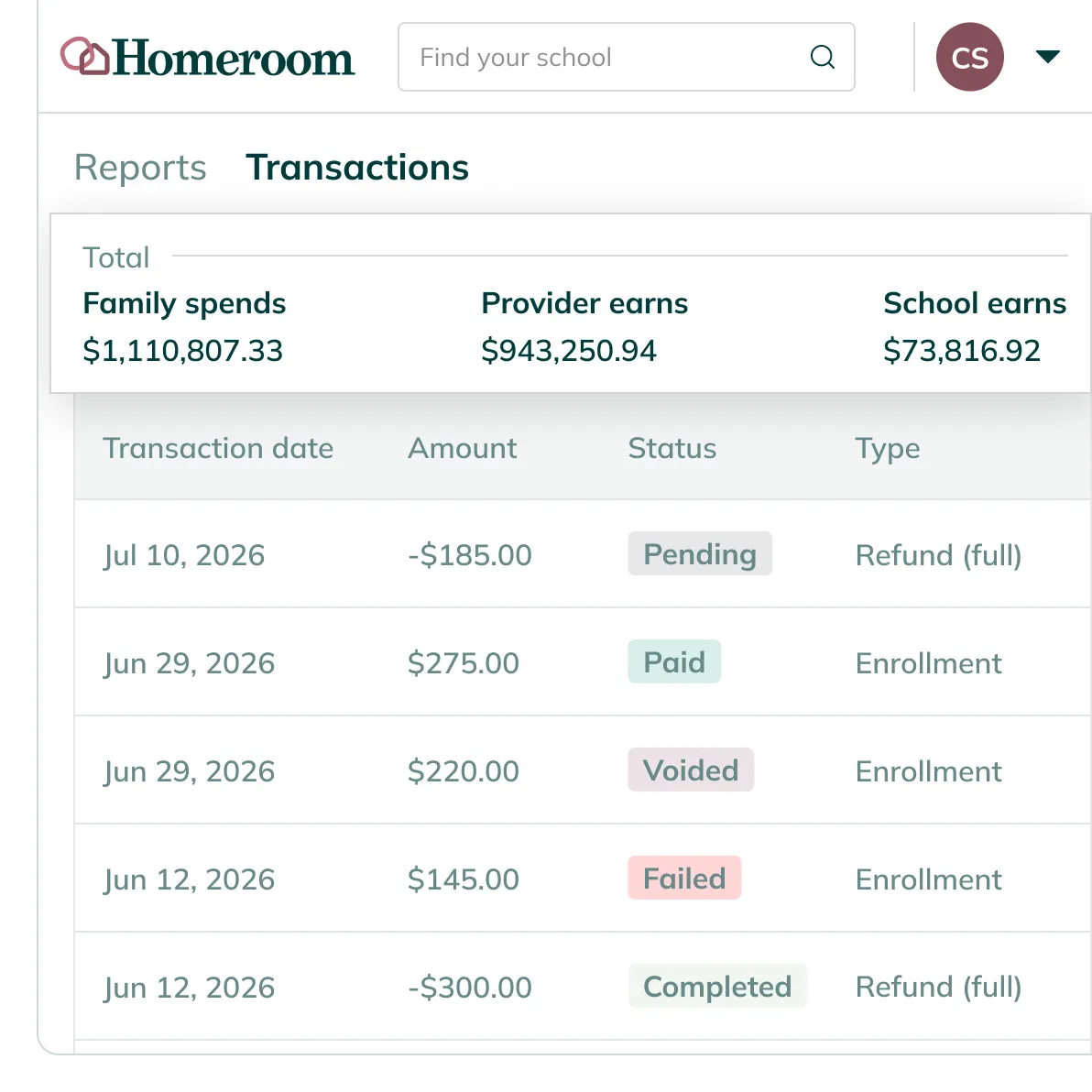
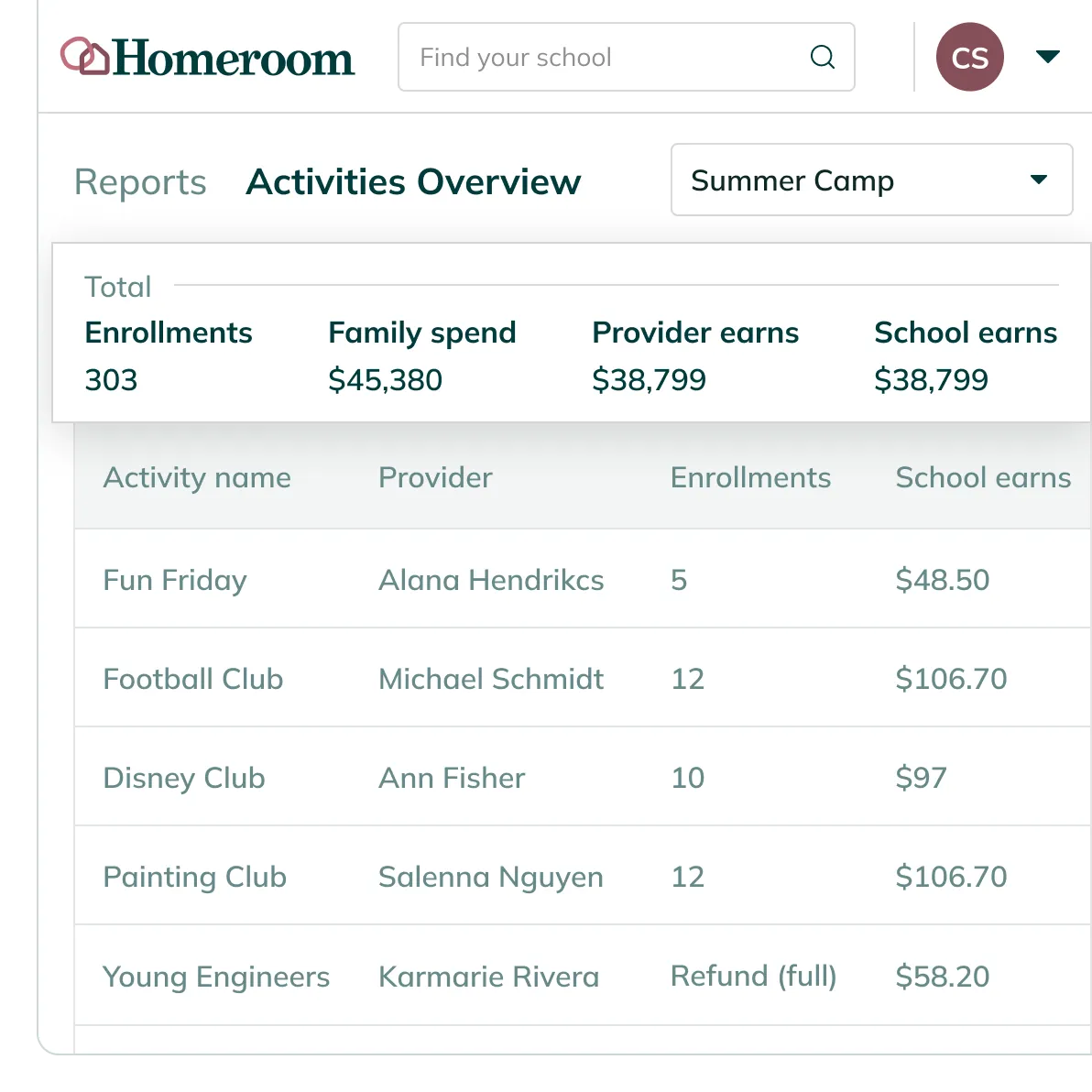
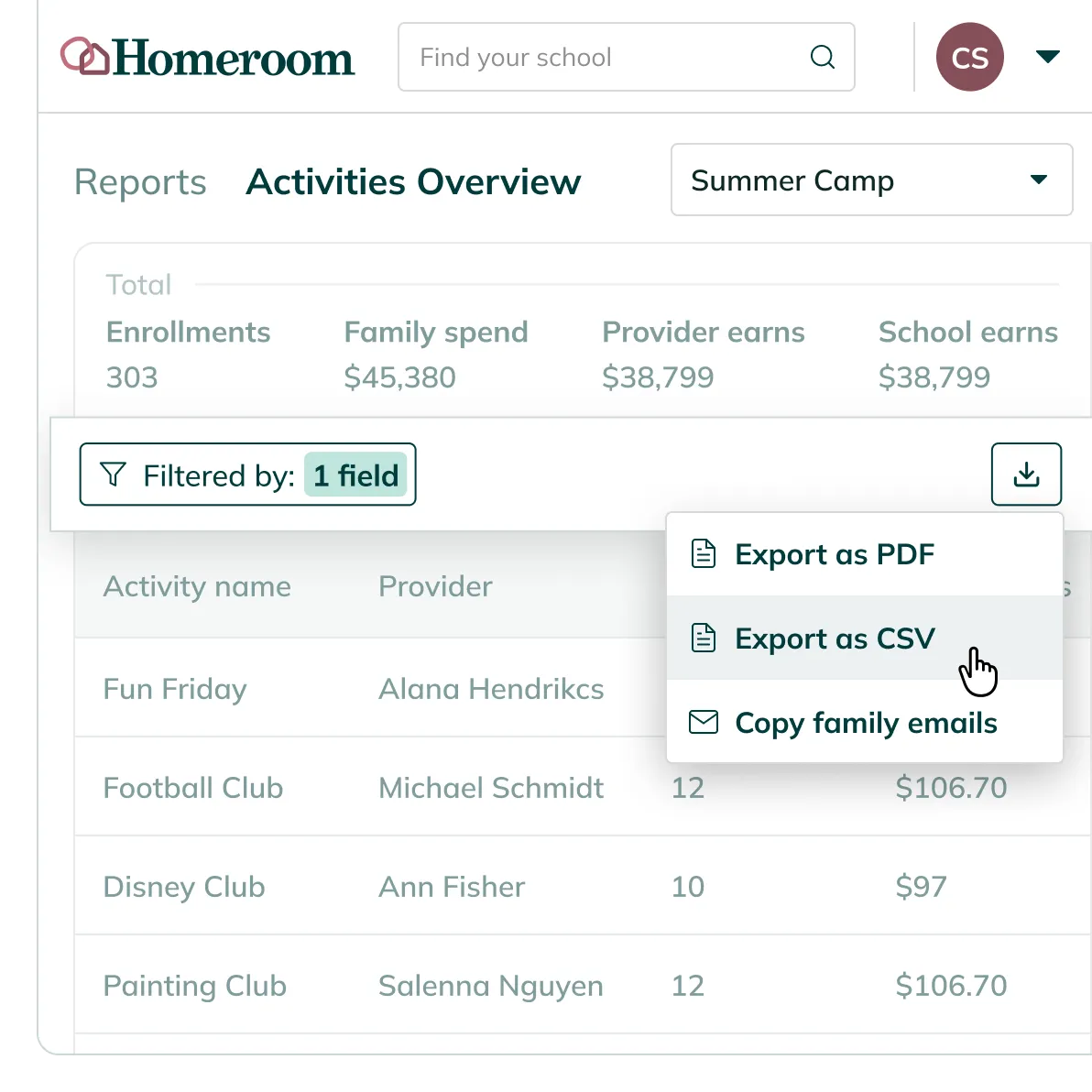
Every transaction your business office needs, in one dashboard
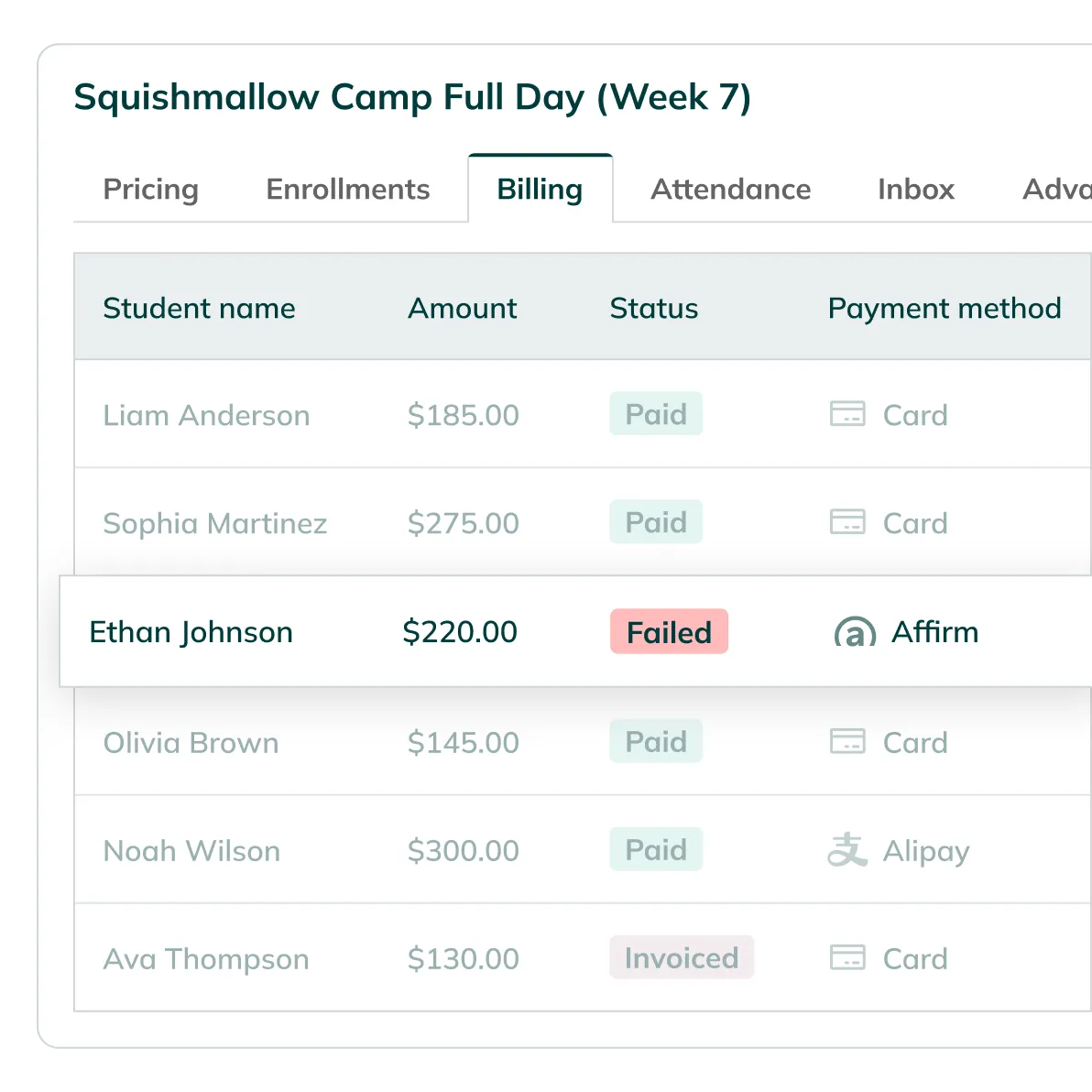
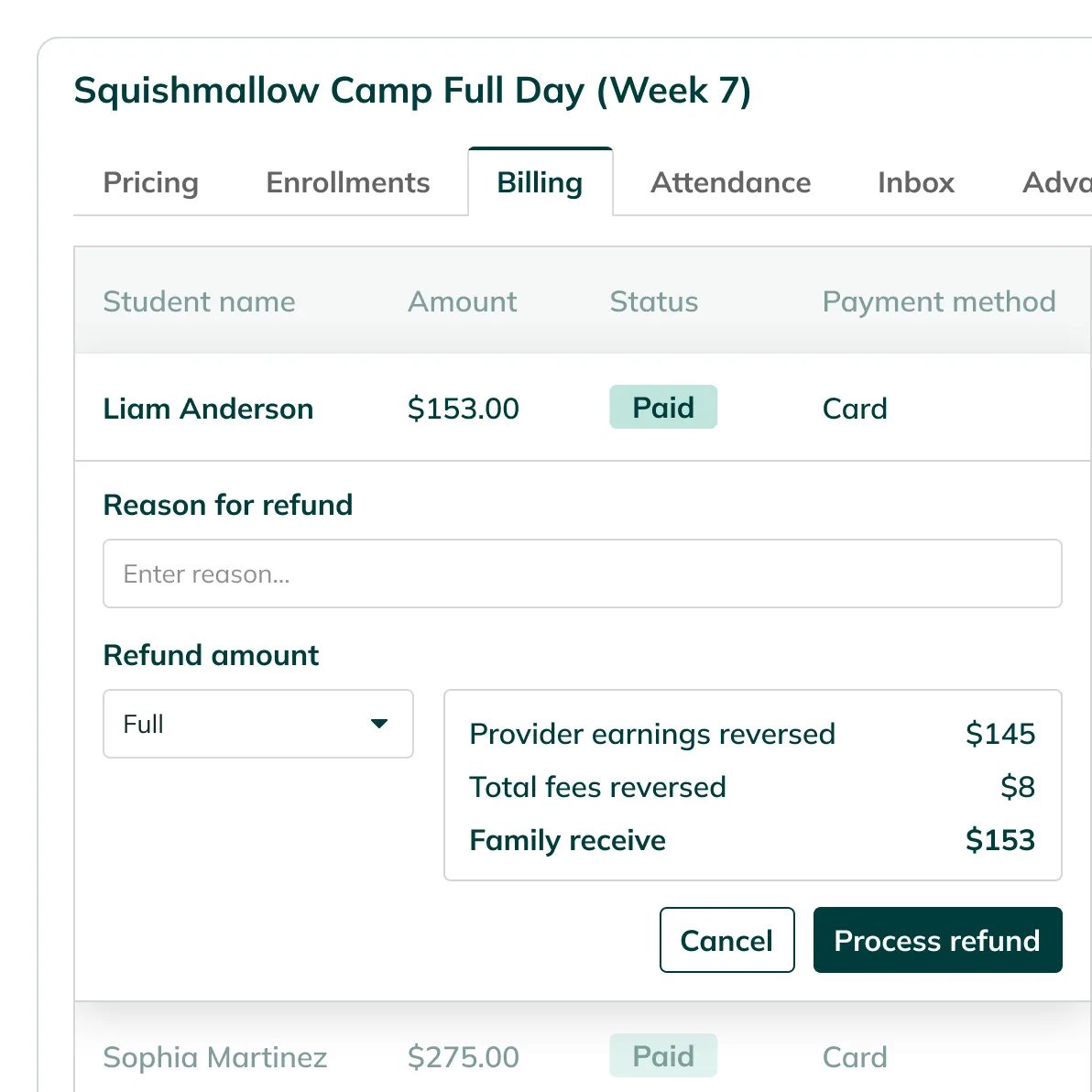
While the season runs, every transaction — payments, refunds, donations, adjustments — lands in one dashboard in real time, ready to filter, reconcile, or export the moment you need it.
Provider payouts
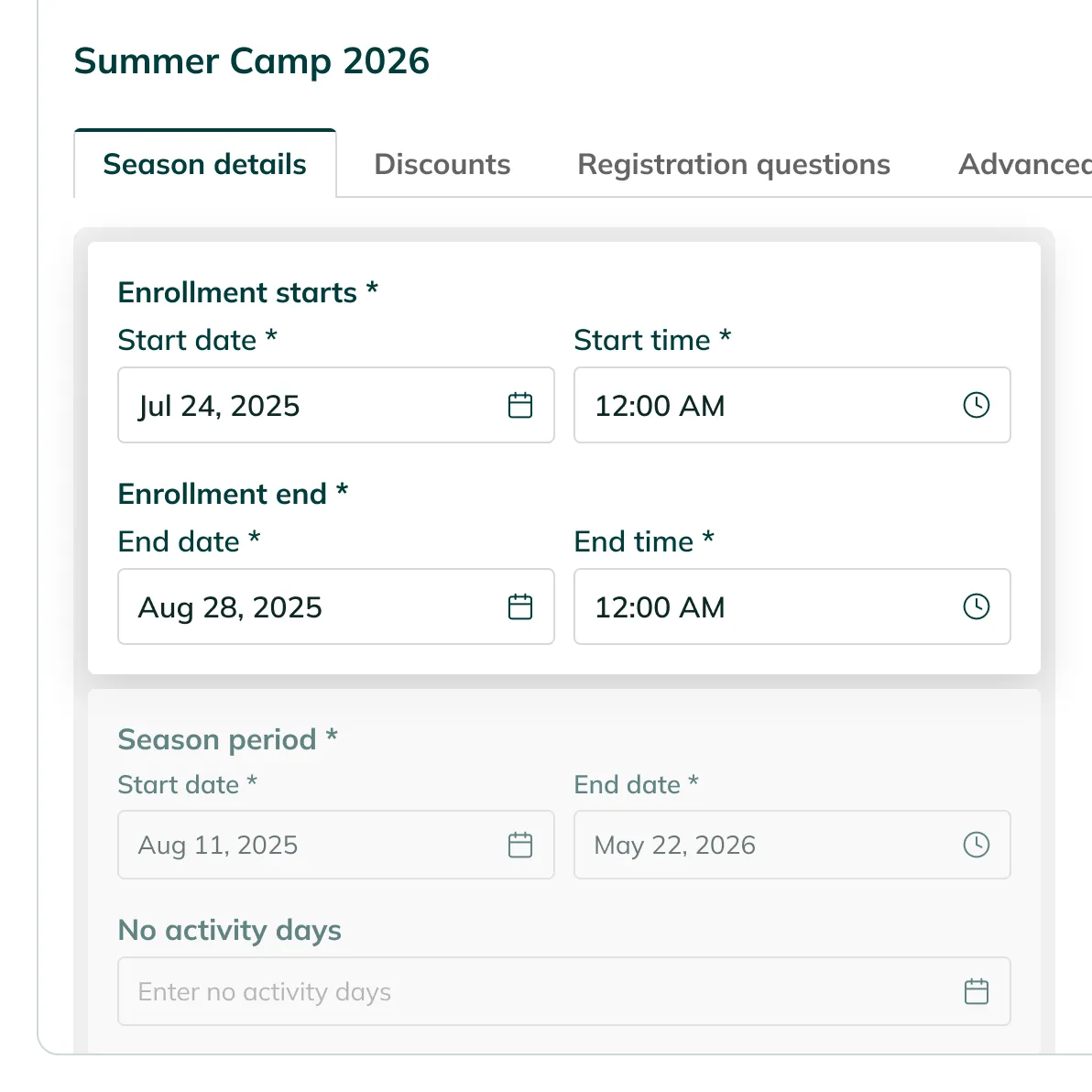
when enrollment closes
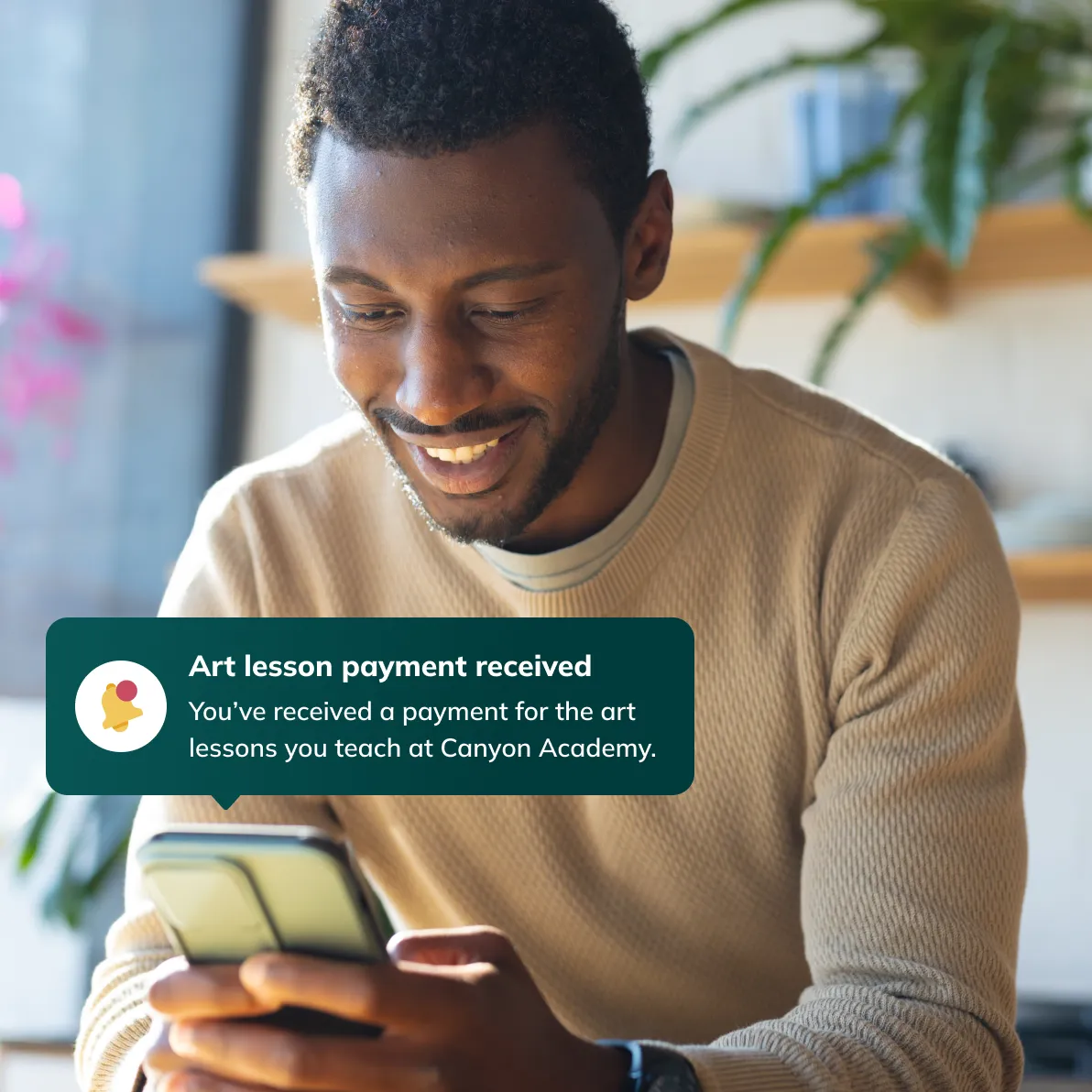
Your enrichment vendors get paid without an invoice.
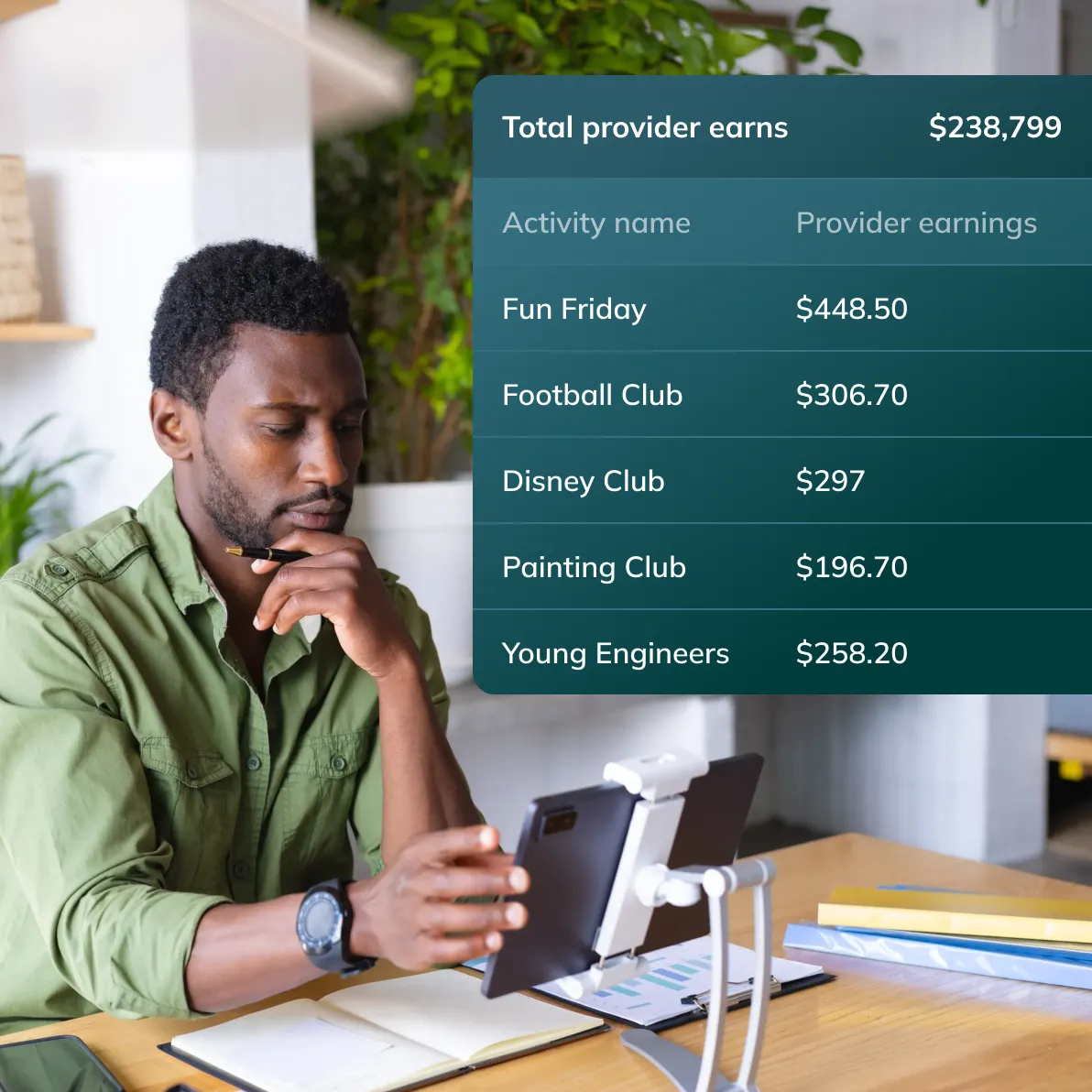
When an enrollment window closes, the season's last step runs itself too — your enrichment vendors get paid automatically, without an invoice.
Frequently asked questions
Don't let your questions go unanswered – check out our FAQs.
Homeroom does not connect directly to external accounting platforms. You set up GL codes inside Homeroom and assign them to activities. Every transaction export includes the code and label, so your business office can reconcile and post to your accounting system using a standard CSV import.
Payouts are triggered automatically when enrollment closes. The school sets the enrollment close dates, which determines when payments go out. Funds typically post to the provider's bank within a few business days. Providers can see their estimated payout dates in their own Homeroom reports.
Homeroom gives organizers a full transaction history, an enrollment report with payment status, and deposit reconciliation tools. You can filter by season, activity, school, or deposit date and export everything to CSV.
Families receive an email receipt for every successful charge and can download receipts from their Homeroom account for dependent care FSA reimbursements.
Homeroom retries the payment automatically and sends the family an email notification. The business office sees the failed payment flagged in the Billing dashboard under Pending Payments.
An integrated solution purpose-built for the programs you offer.


Ready to give your programs full attention.
Homeroom handles payment collection, provider payouts, and financial reporting for every program your school runs. The business office gets clean data without chasing it.


