Switch your school to Homeroom today and receive a $250 donation.

Read More

Homeroom registration page

Your program catalog, ready the moment families look.

Every program you offer, in one place. Families browse, choose, and enroll without calling the front office or waiting for an email back.

Homeroom for families

A catalog families can actually use

When registration opens, families don't want to dig through a newsletter or track down a PDF. They want to see what's available, pick what fits, and be done before the pickup line moves.
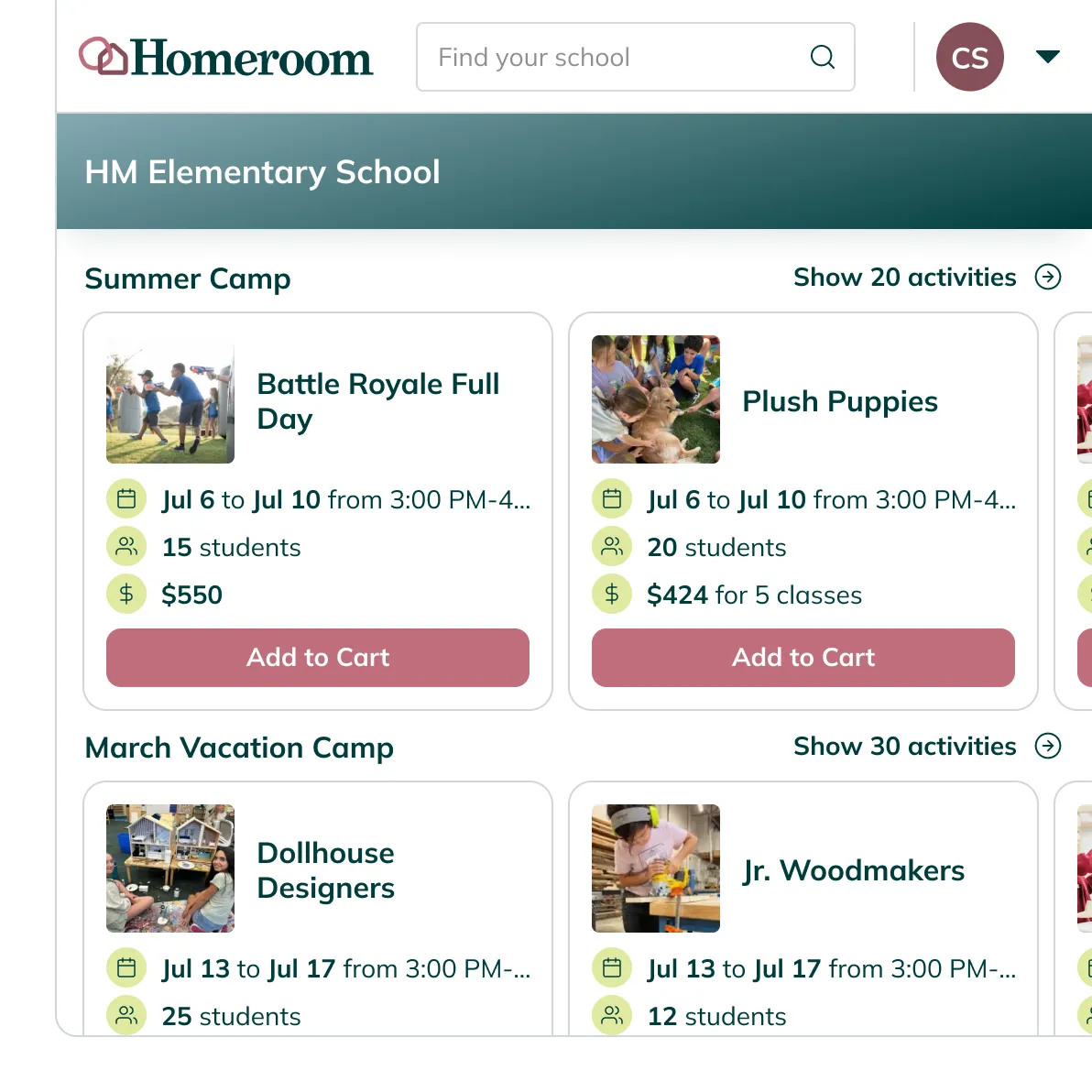
Every program, organized by season

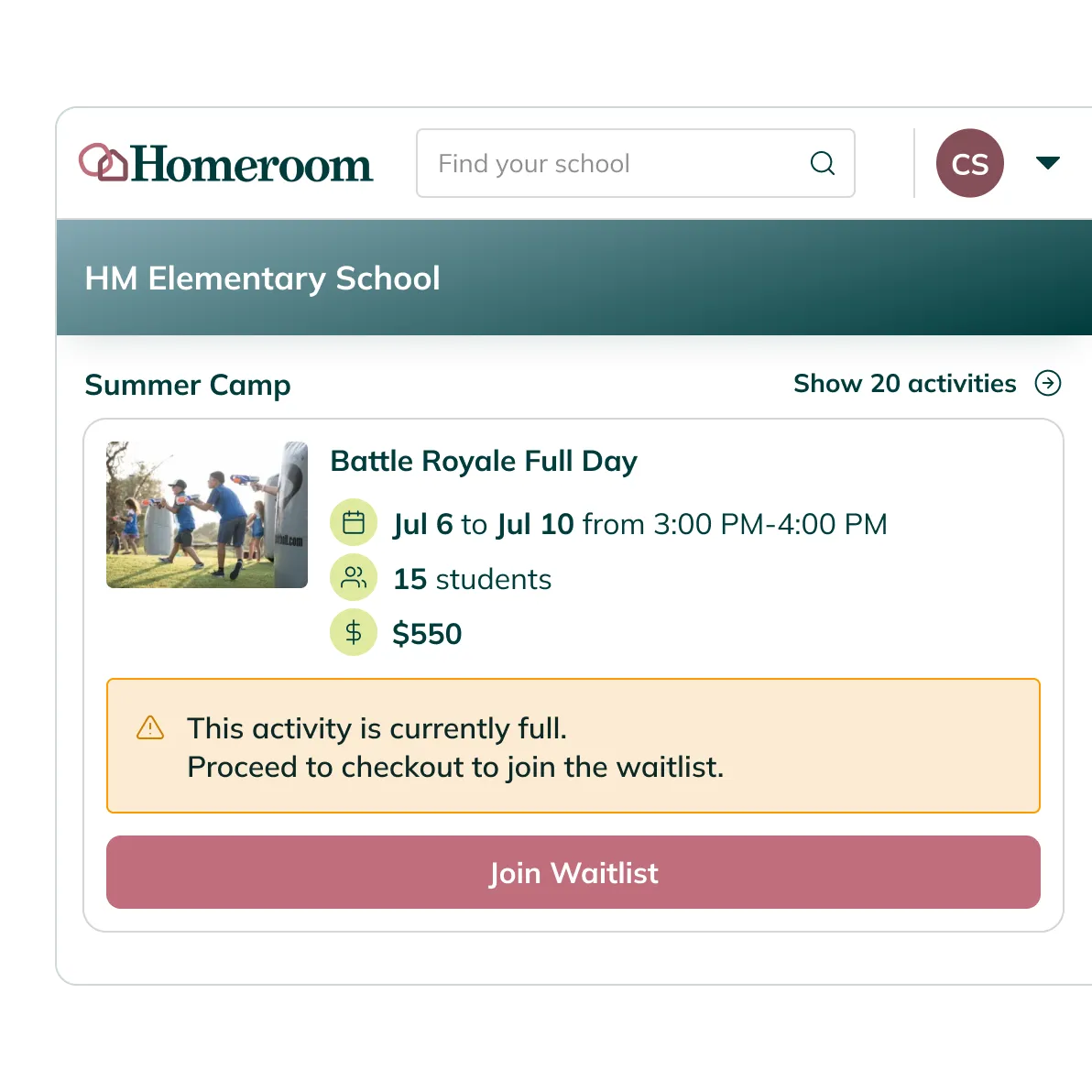
Every program you run is browsable in one place, grouped by season, with descriptions, dates, pricing, and available spots visible before anyone clicks enroll.

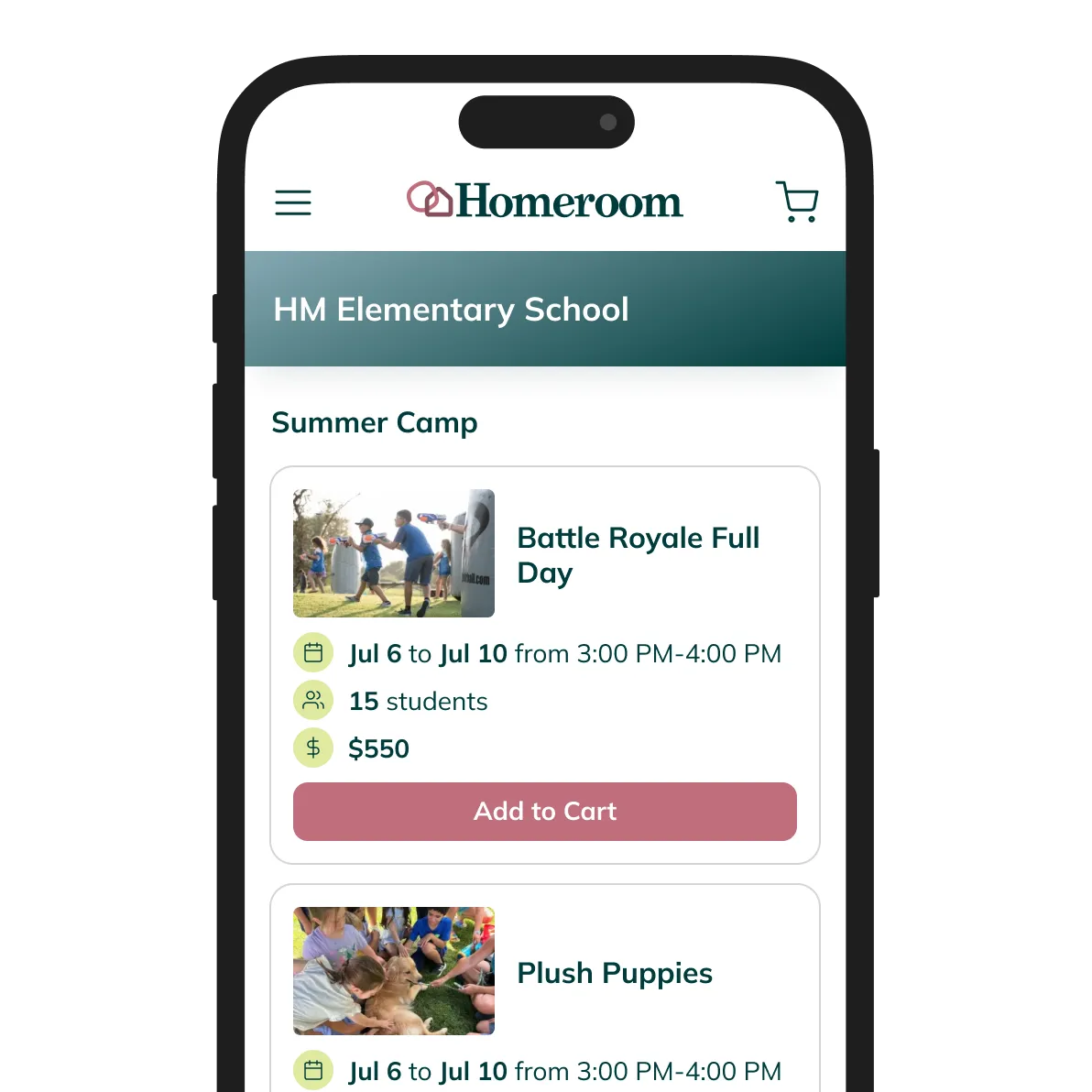
Works on any device

Mobile-friendly by default. Families can browse and enroll from a phone, no separate app or setup required.

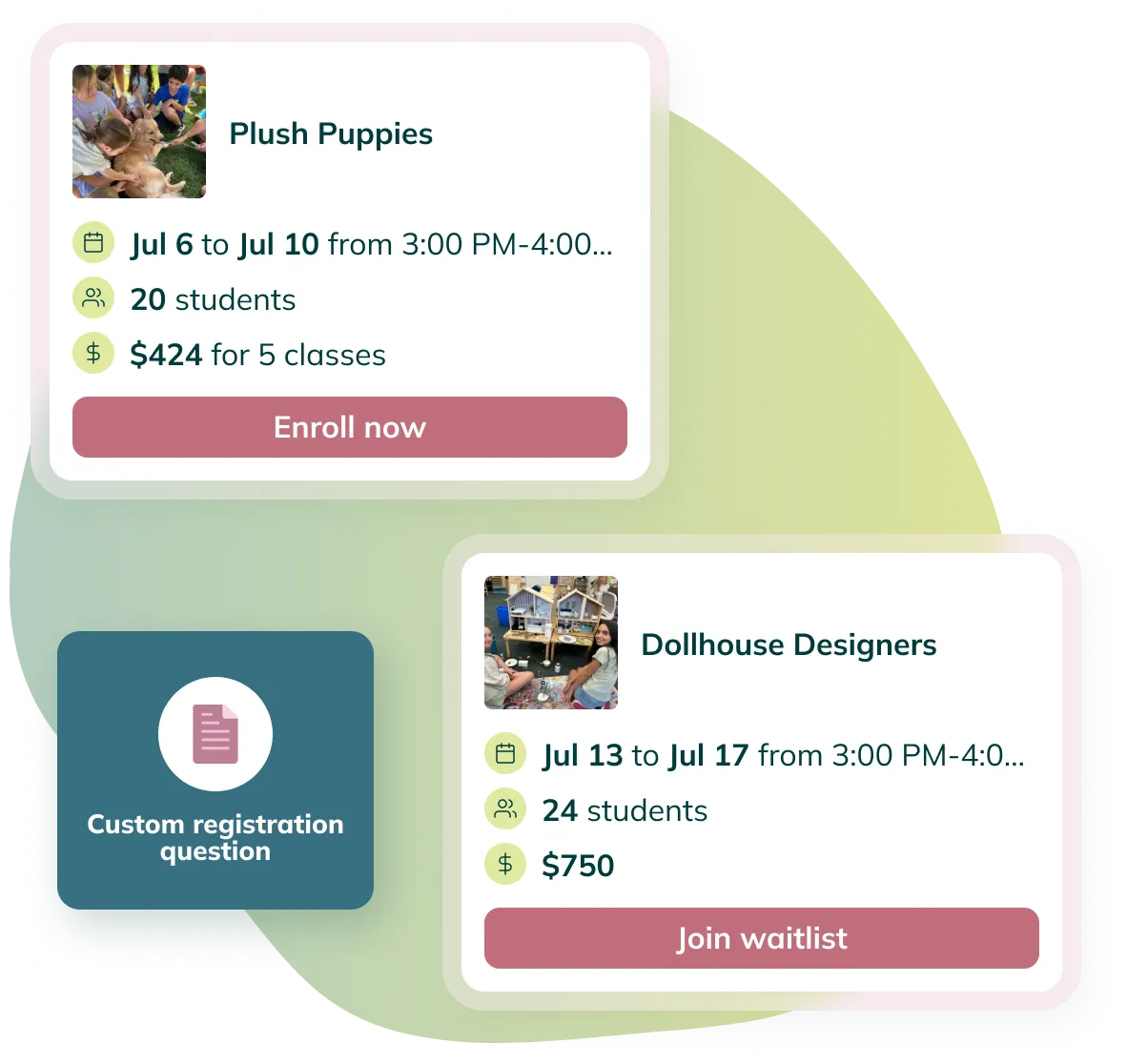
Join the waitlist in one tap

If a program fills, families join the waitlist with one tap and get notified automatically the moment a spot opens.

Homeroom for your website

Put the catalog right on your school website

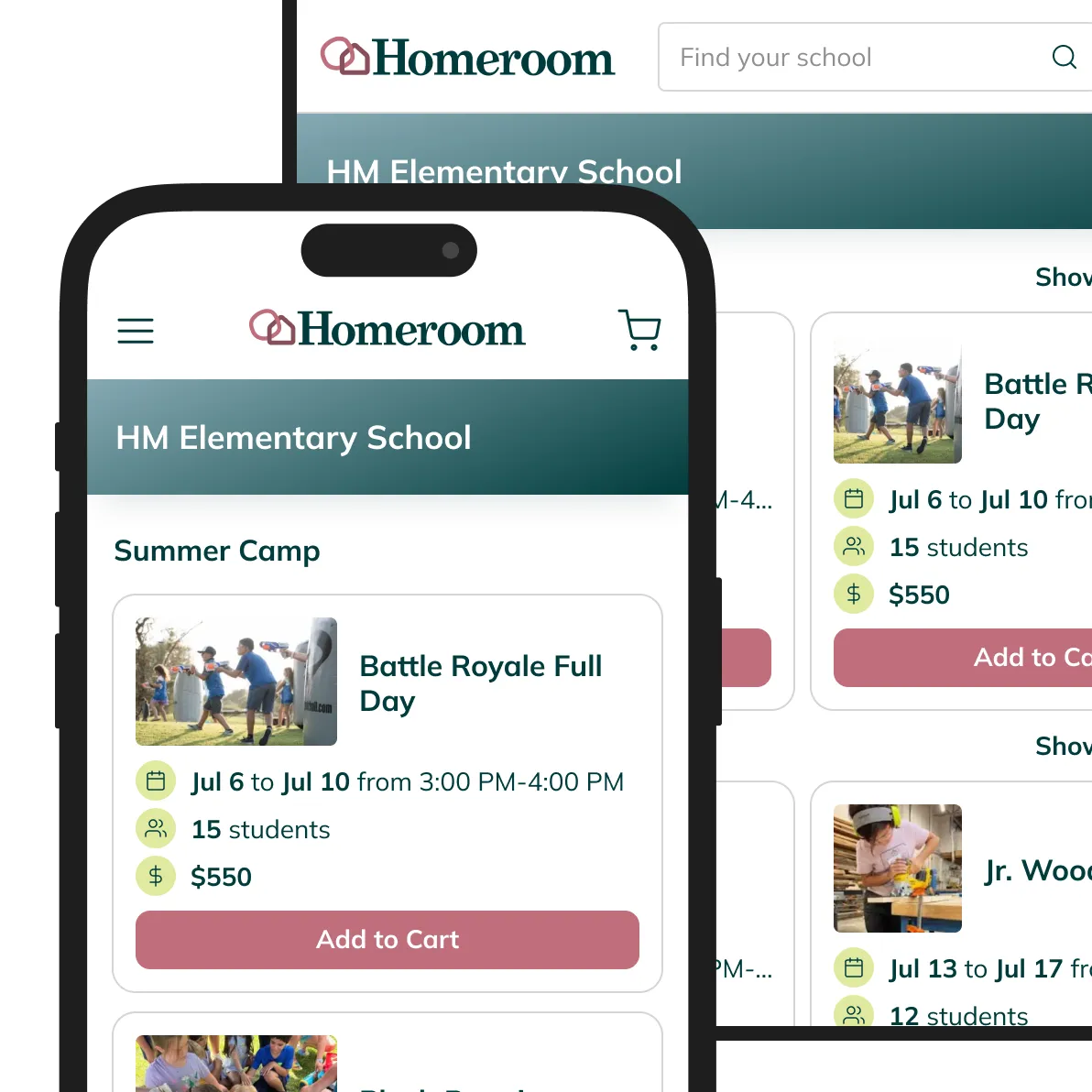
Your registration page can live right inside your school's website. Families never have to leave to enroll.

One code snippet, any builder

Paste one code snippet into a custom HTML block in Wordpress, Wix, Squarespace, Webflow, Shopify, or any other builder. If you can paste a link into a page, you can set this up. No developer required.

Mobile-ready without extra setup

The embedded page resizes to fit any container width, on any device, with zero additional configuration.

Or skip the embed — share the link

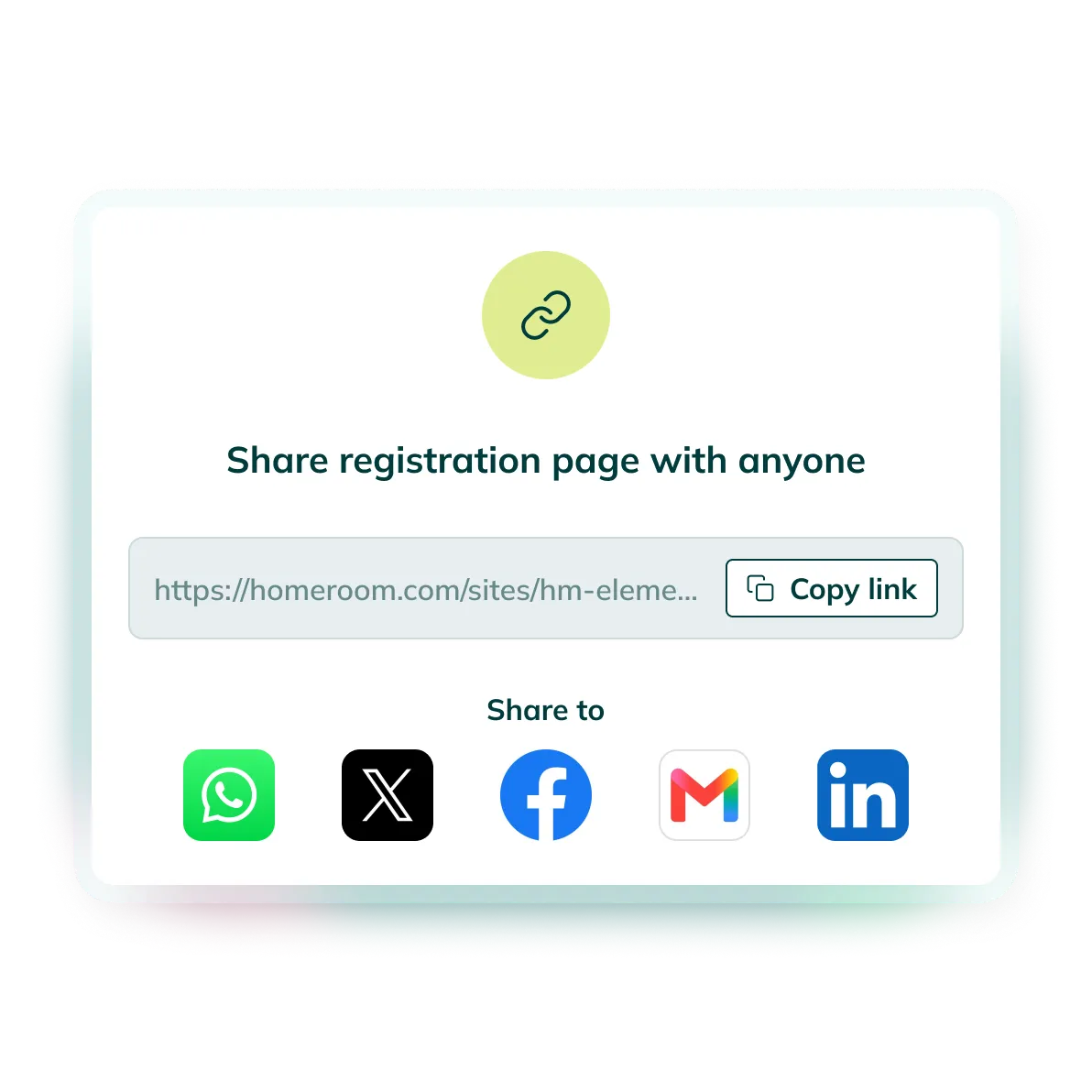
Prefer not to touch your site at all? Share the direct link in a newsletter, parent portal, or class email. Families land on the same page either way.

Homeroom for your programs

Collect exact information you need for your programs

Every program has its own paperwork. You set up the questions, and Homeroom asks them at the right moment.
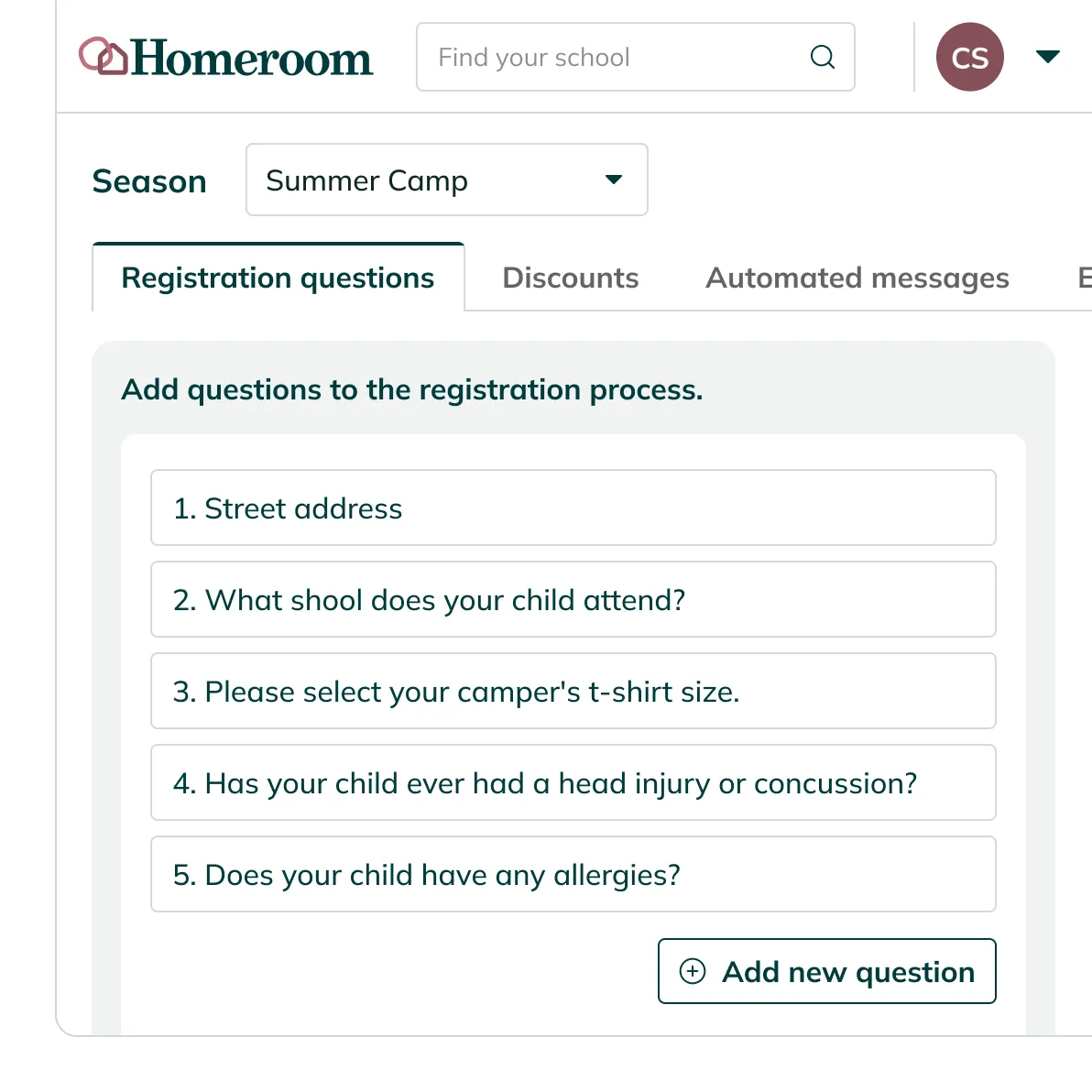
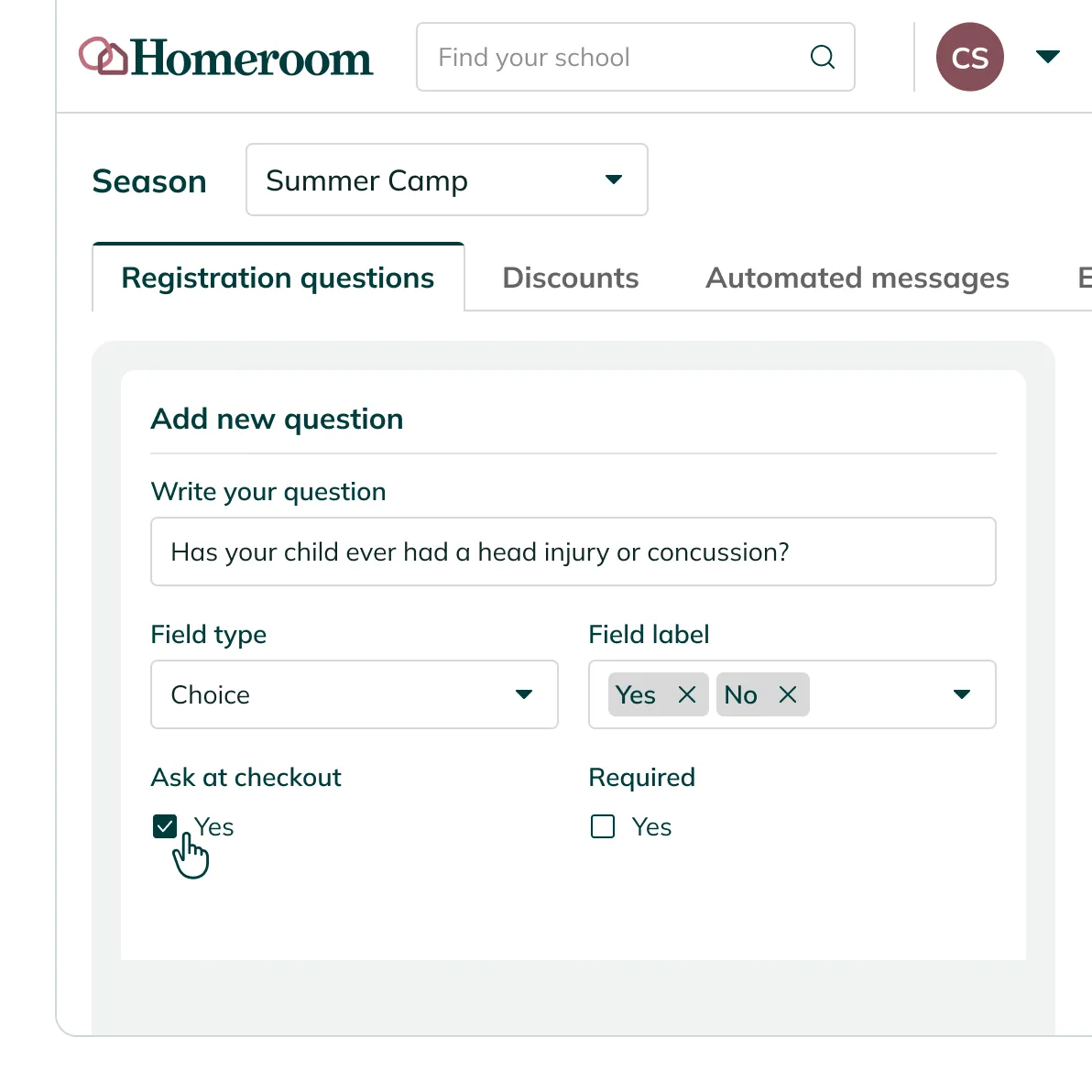
Ask questions at the right moment

Questions work at three levels: account (asked once, applies to everything), season (applies to the current enrollment window), and activity (specific to one program).

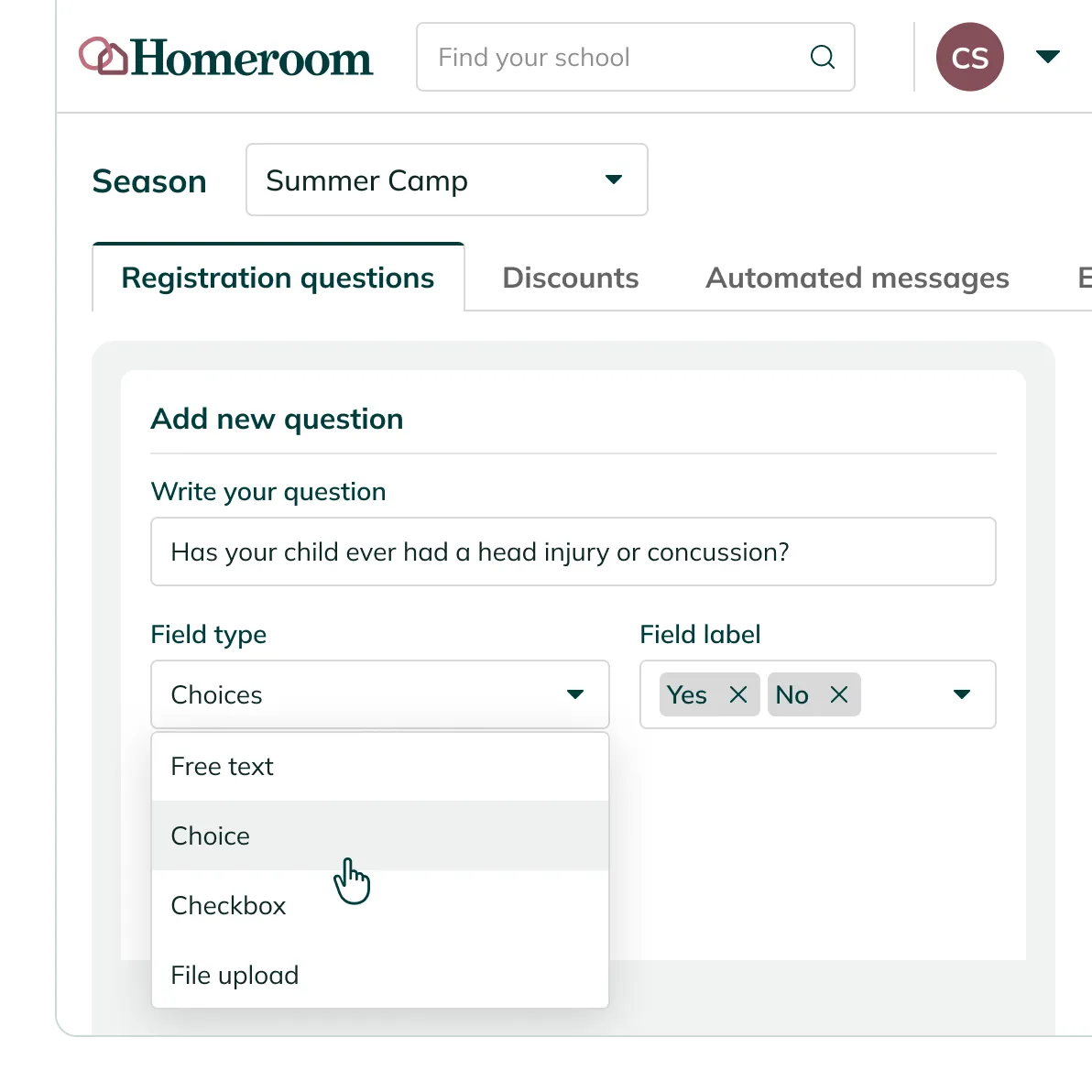
Four question types, one setup screen

Free text for allergies or emergency contacts, single choice for T-shirt size or skill level, checkbox for consent or policy agreement, file upload for a waiver or doctor's note.

Required, optional, checkout or after

Every question can be marked required or optional, and shown at checkout or after enrollment completes — whichever fits the program.

Every response flows into your reports

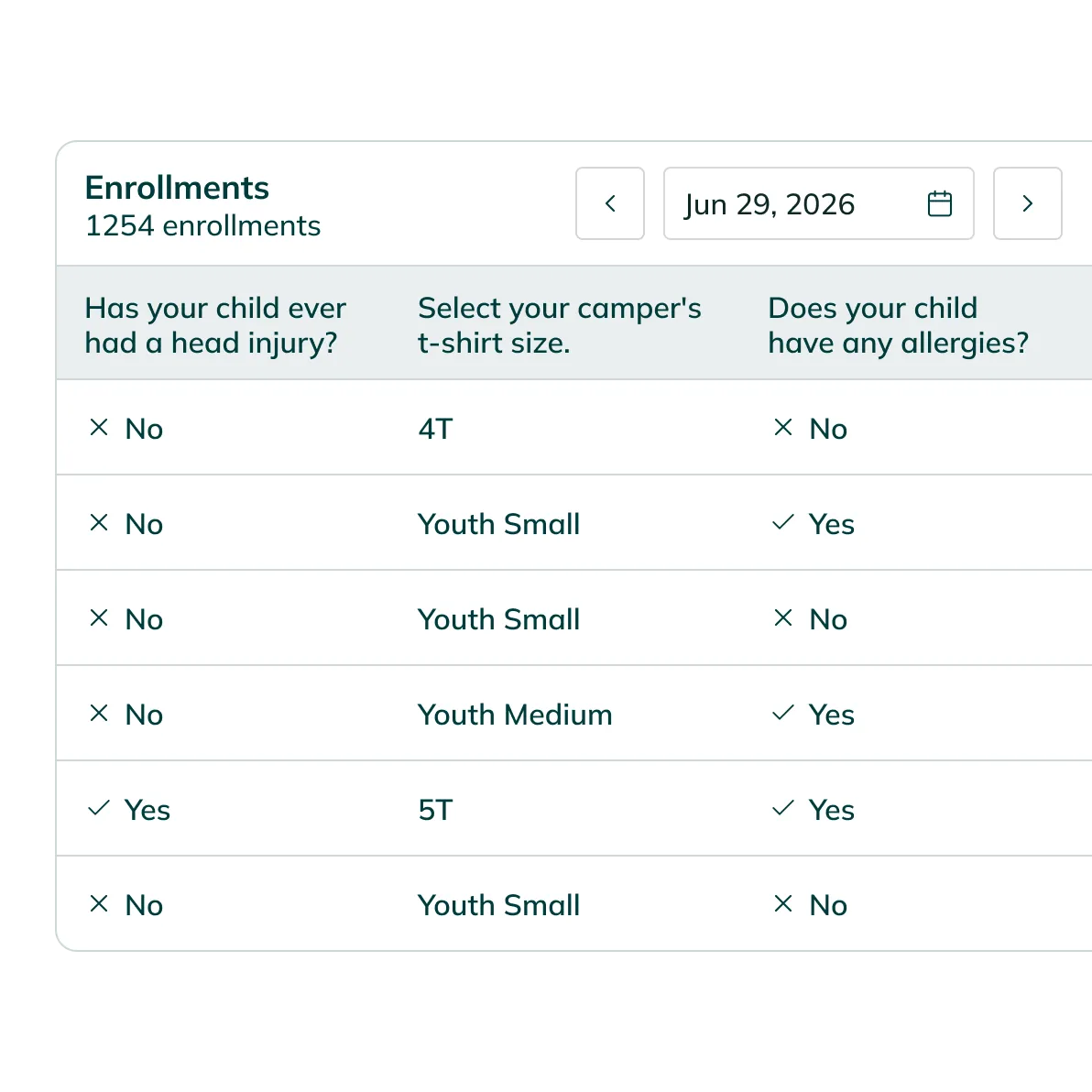
Every answer stores per-participant and pulls straight into your enrollment reports. Nothing lives in a separate spreadsheet.

Frequently asked questions

Don't let your questions go unanswered – check out our FAQs.

Visit help center

No. If you use Wix, Squarespace, or Webflow, paste the embed code into a custom HTML block. That's it. If you'd rather skip the embed, share the direct link instead.

Yes. Your registration page embeds directly into Wix, Squarespace, Webflow, or any custom site using a single code snippet. Families never leave your site to complete enrollment.

Yes. The registration page is mobile-friendly by default. No extra setup needed. Families can enroll from their phone, from the pickup line, from anywhere.

Your Homeroom registration page lists every active program in one place. Families see descriptions, dates, pricing, and available spots. They enroll directly from that page, or you can embed it on your school website so it's easier to find.

Free text, single-choice, checkbox, and file upload. Questions can be set at the account, season, or activity level. Responses store per-participant and export with your enrollment reports.