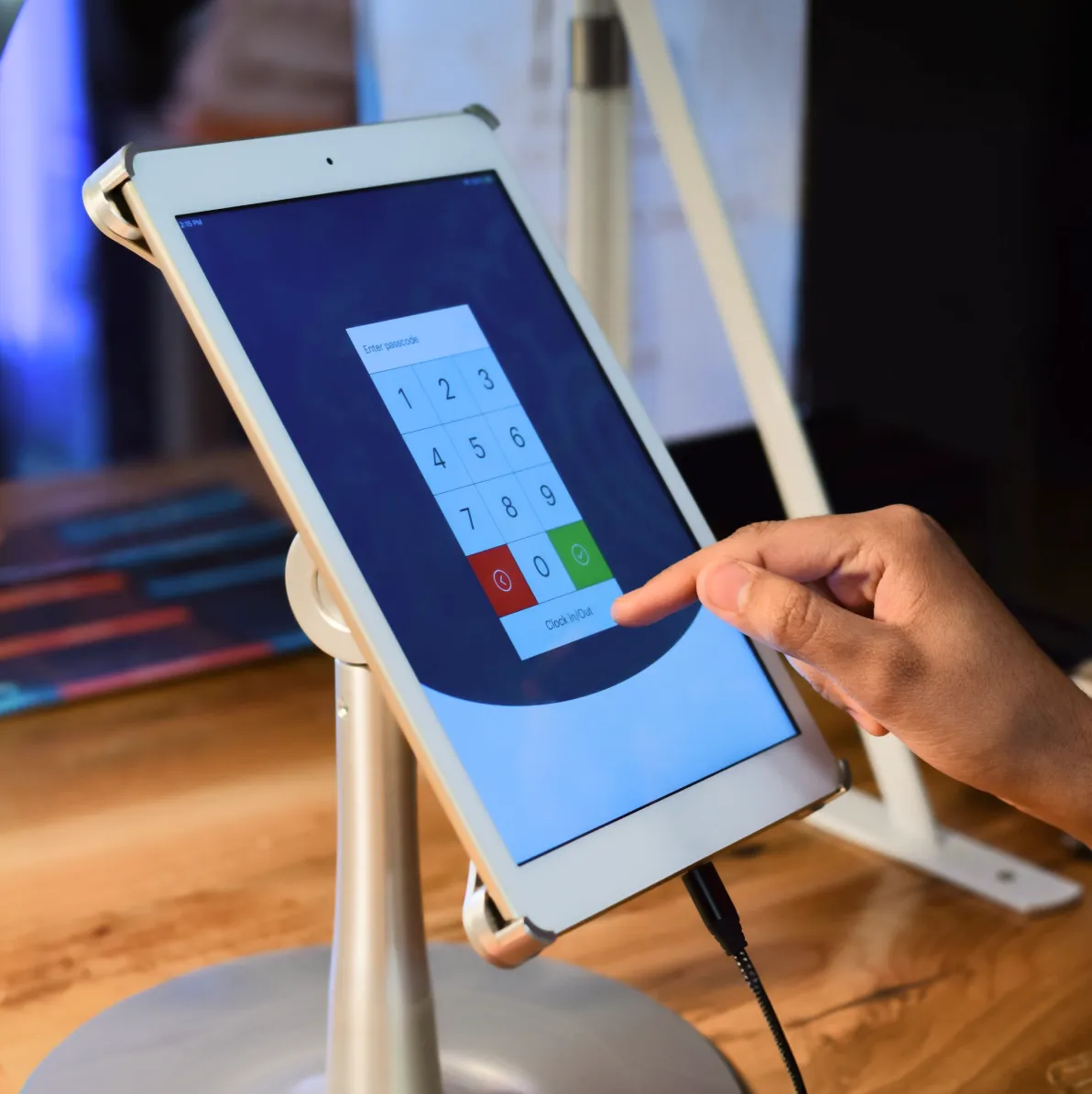
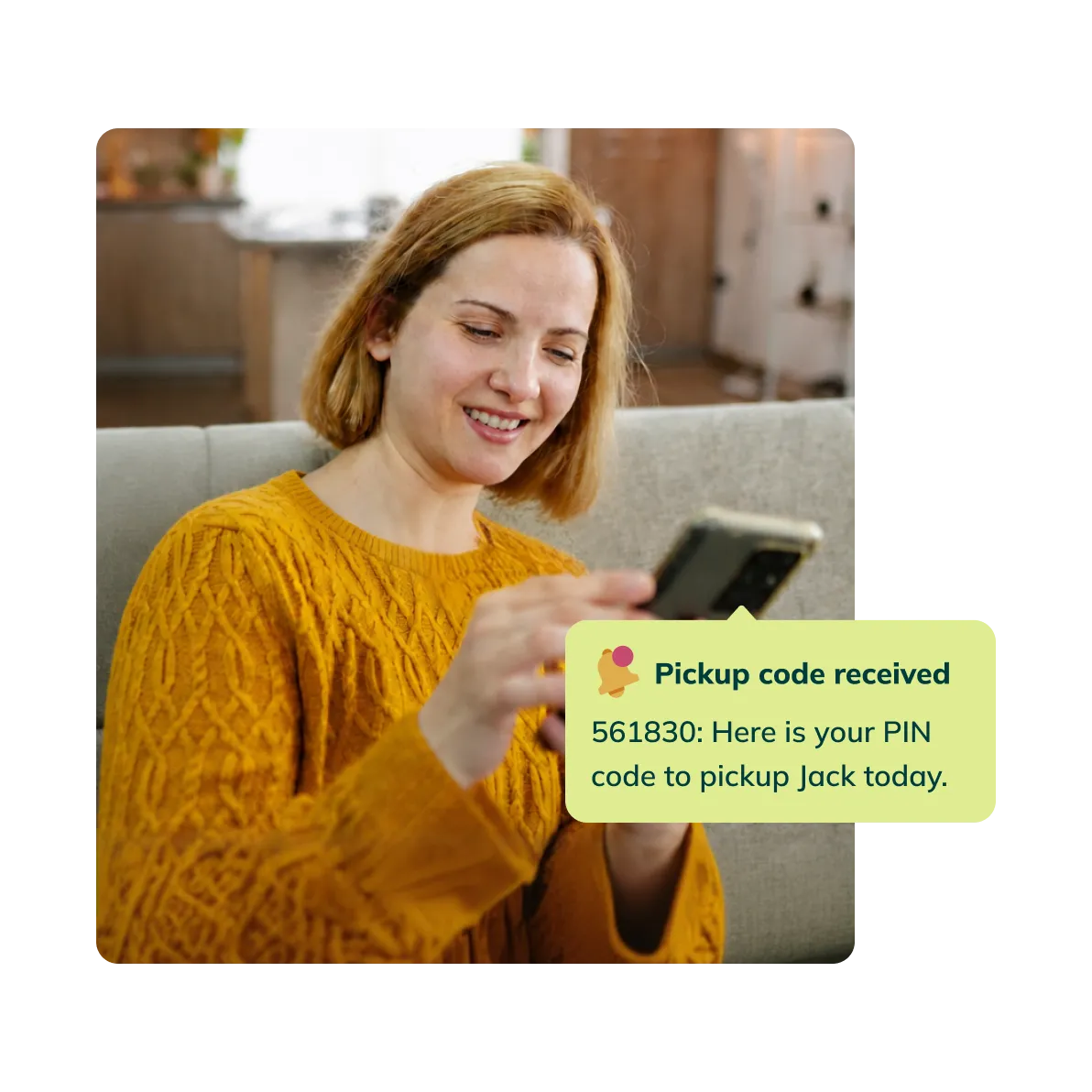
A check-in kiosk is a school-provided tablet placed at the entrance where families sign students in and out using a unique PIN. Homeroom assigns each authorized contact a 6-digit code automatically when you enable the attendance feature. New contacts receive their code by text.
Homeroom for instructors
Instructors are ready before the session starts
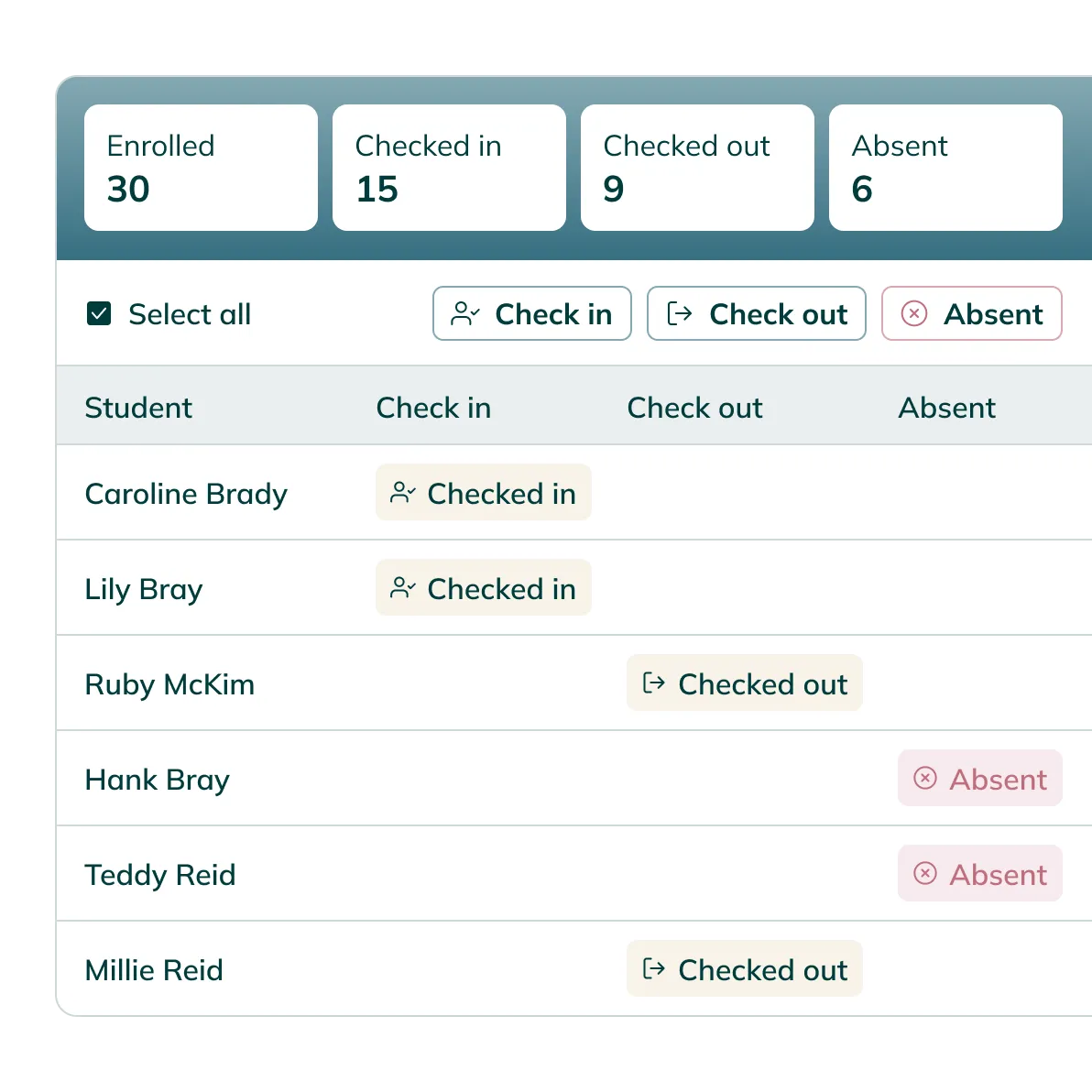
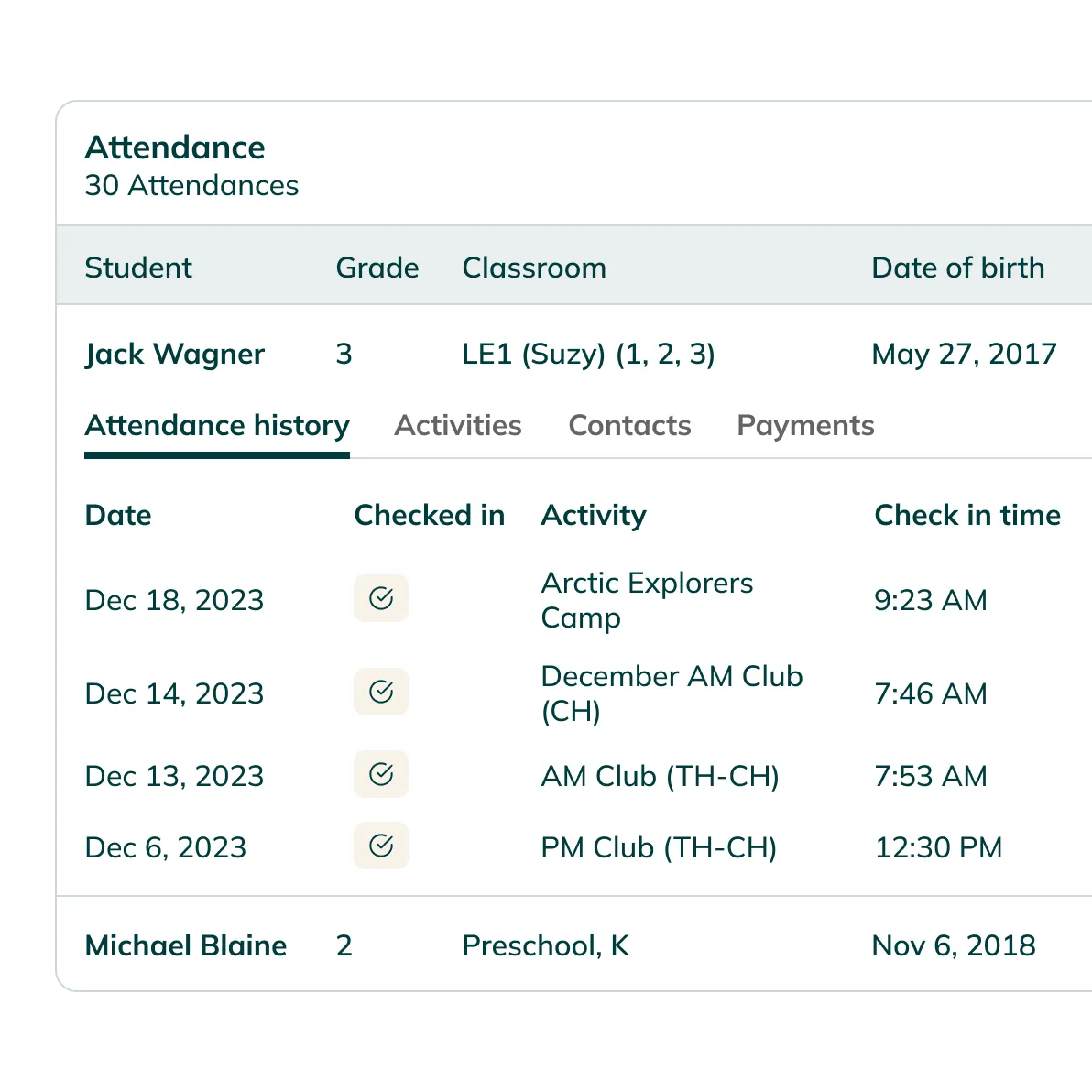
An hour before class begins, every instructor gets a direct link to their roster. No full Homeroom login needed. They open the link and start marking attendance.
Homeroom for families
Families sign students in and out at the door
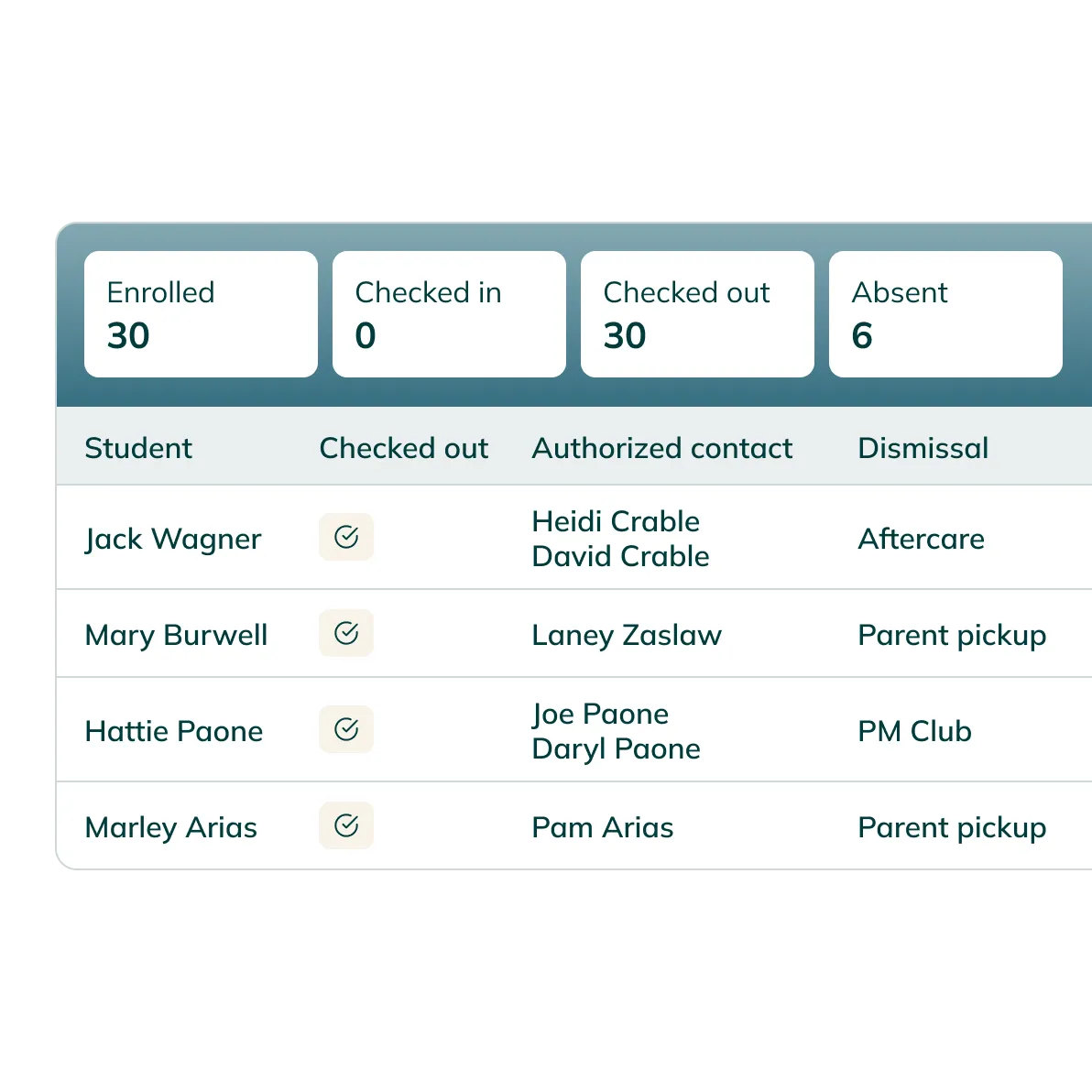
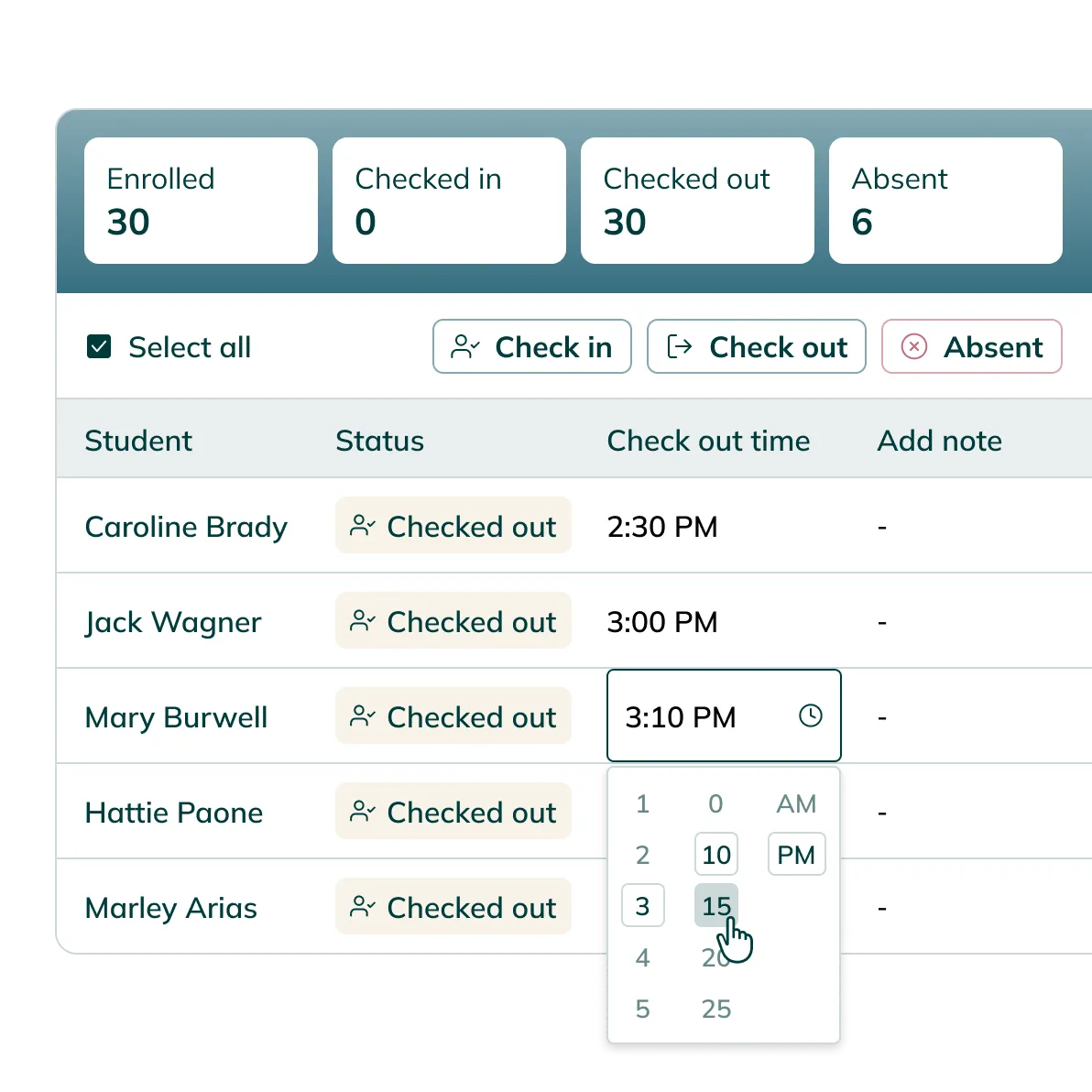
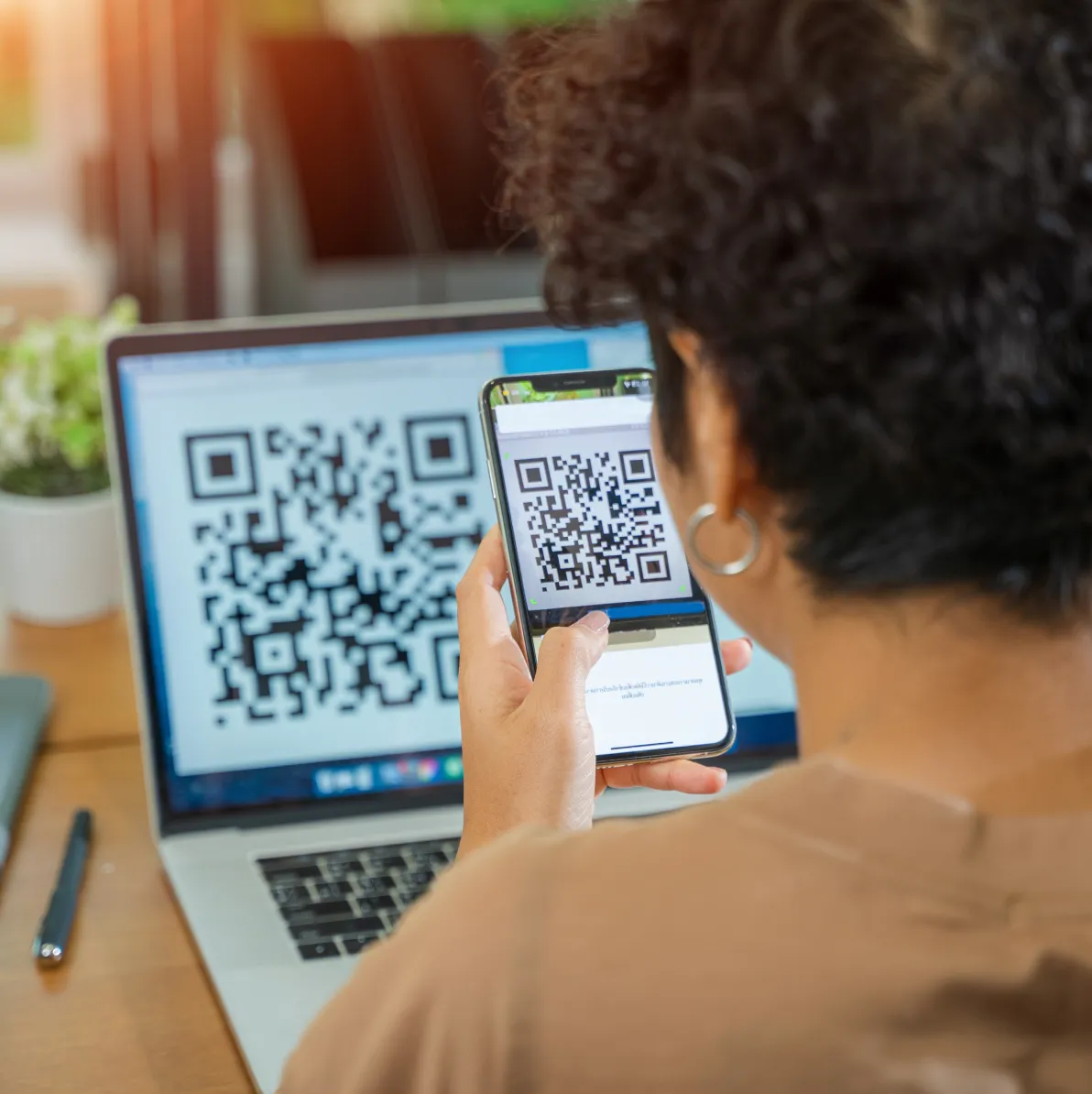
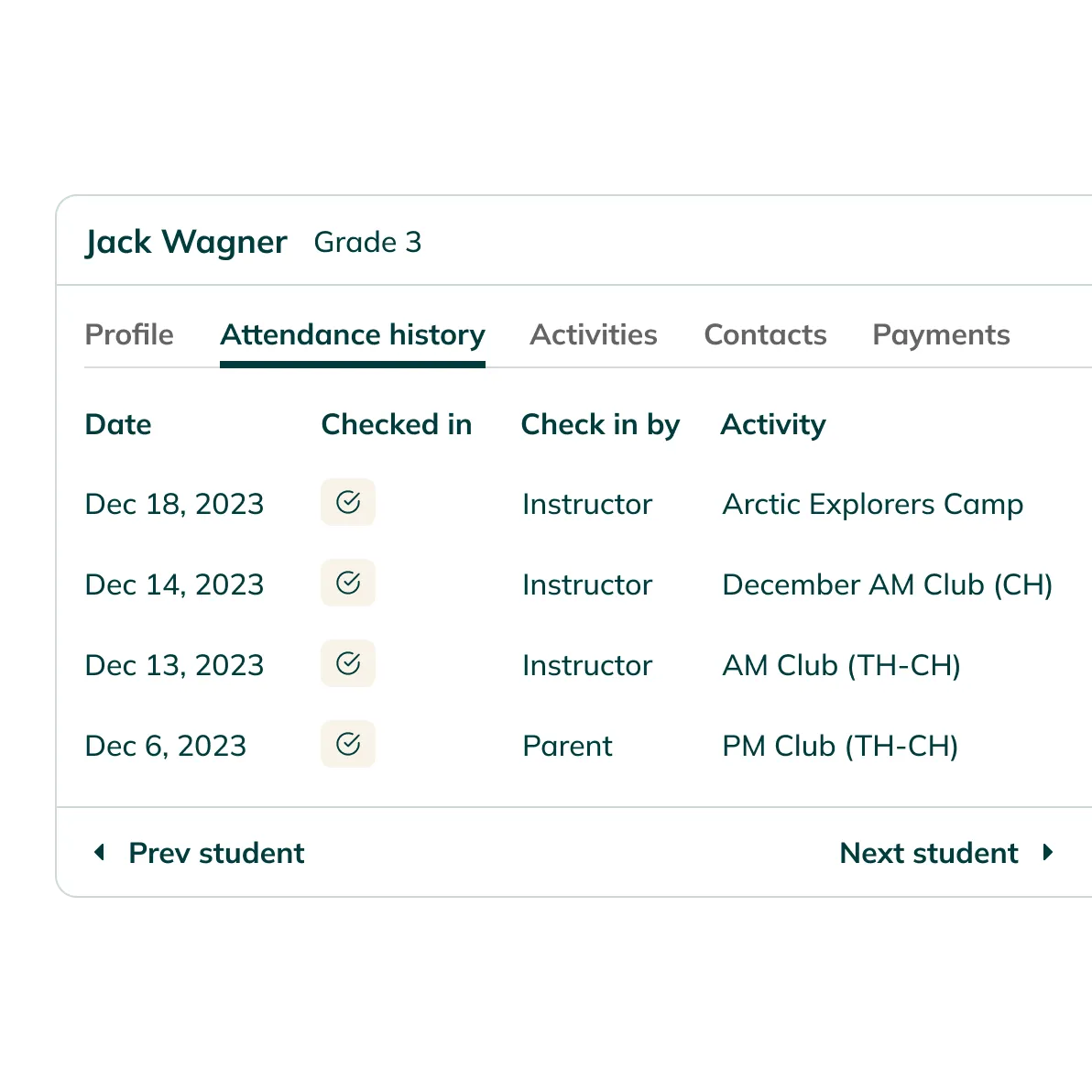
Authorized parents and pickups check in and out using a unique PIN on a school kiosk, or a QR code on their own phone. The adult's name and time go straight into the attendance record — automatically.
Homeroom for admins
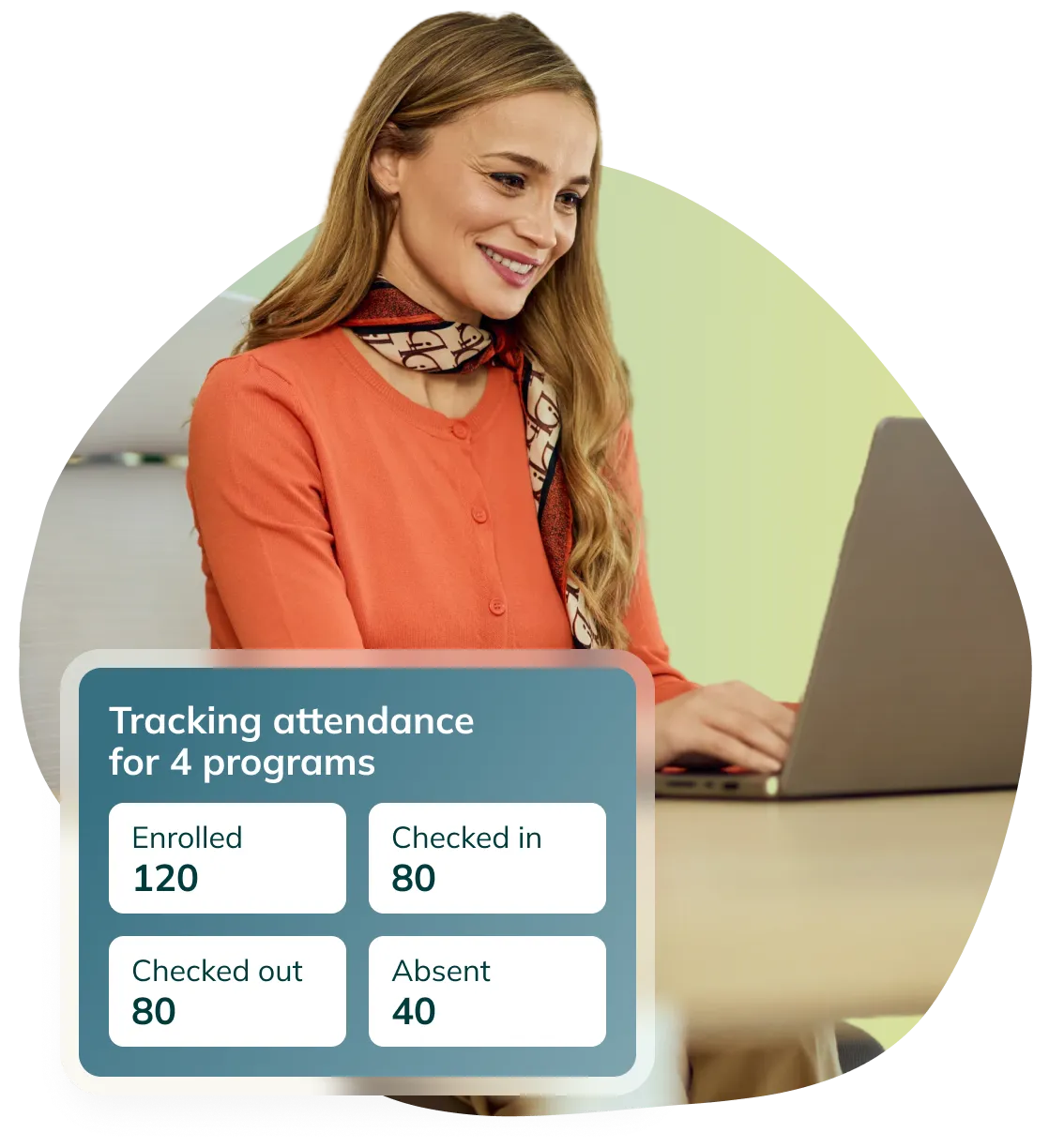
See every student at once, updated in real time
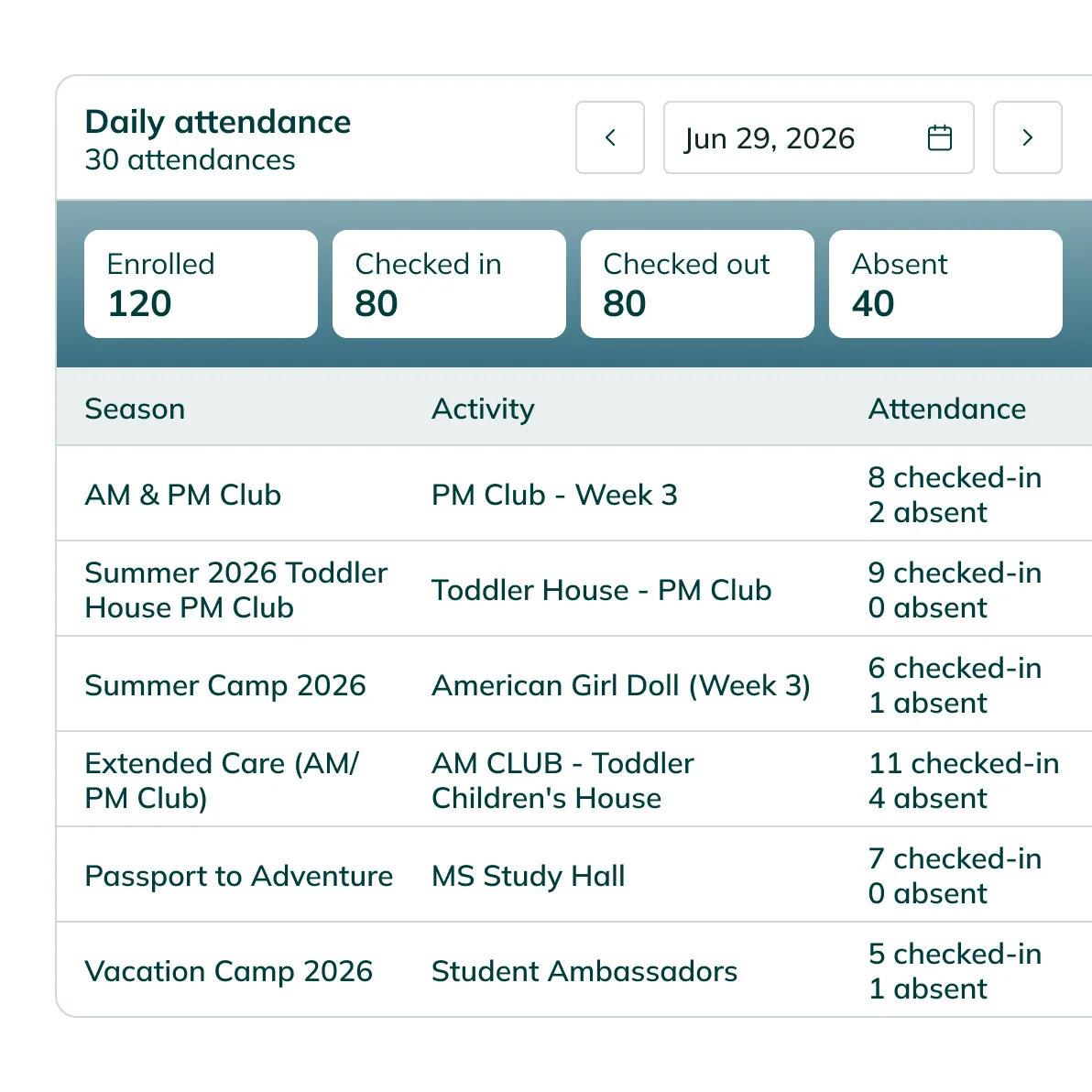
The attendance dashboard shows every activity running today: who is checked in, who has been checked out, and who is absent — across every program on campus, in one view.
Frequently asked questions
Don't let your questions go unanswered – check out our FAQs.
Yes. Homeroom supports optional family notifications tied to check-in and check-out events. Authorized contacts sign students in using a PIN on a school kiosk or a QR code on their phone, and a notification goes out automatically when it happens.
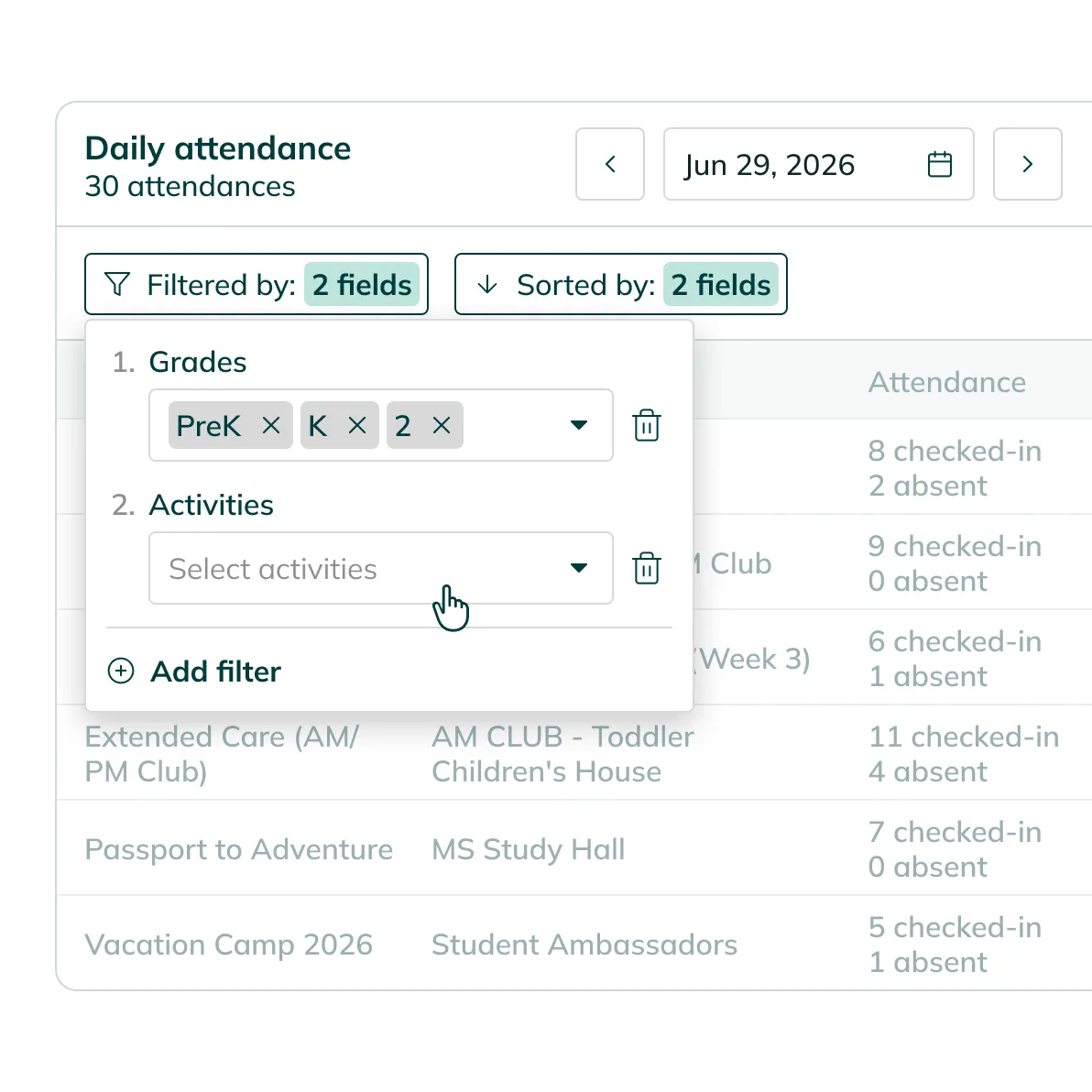
The admin dashboard shows all programs running today in a single view, with a count of checked-in, checked-out, and absent students for each activity. You can filter by grade level or program type without switching between screens.
A check-in kiosk is a school-provided tablet placed at the entrance where families sign students in and out using a unique PIN. Homeroom assigns each authorized contact a 6-digit code automatically when you enable the attendance feature. New contacts receive their code by text.
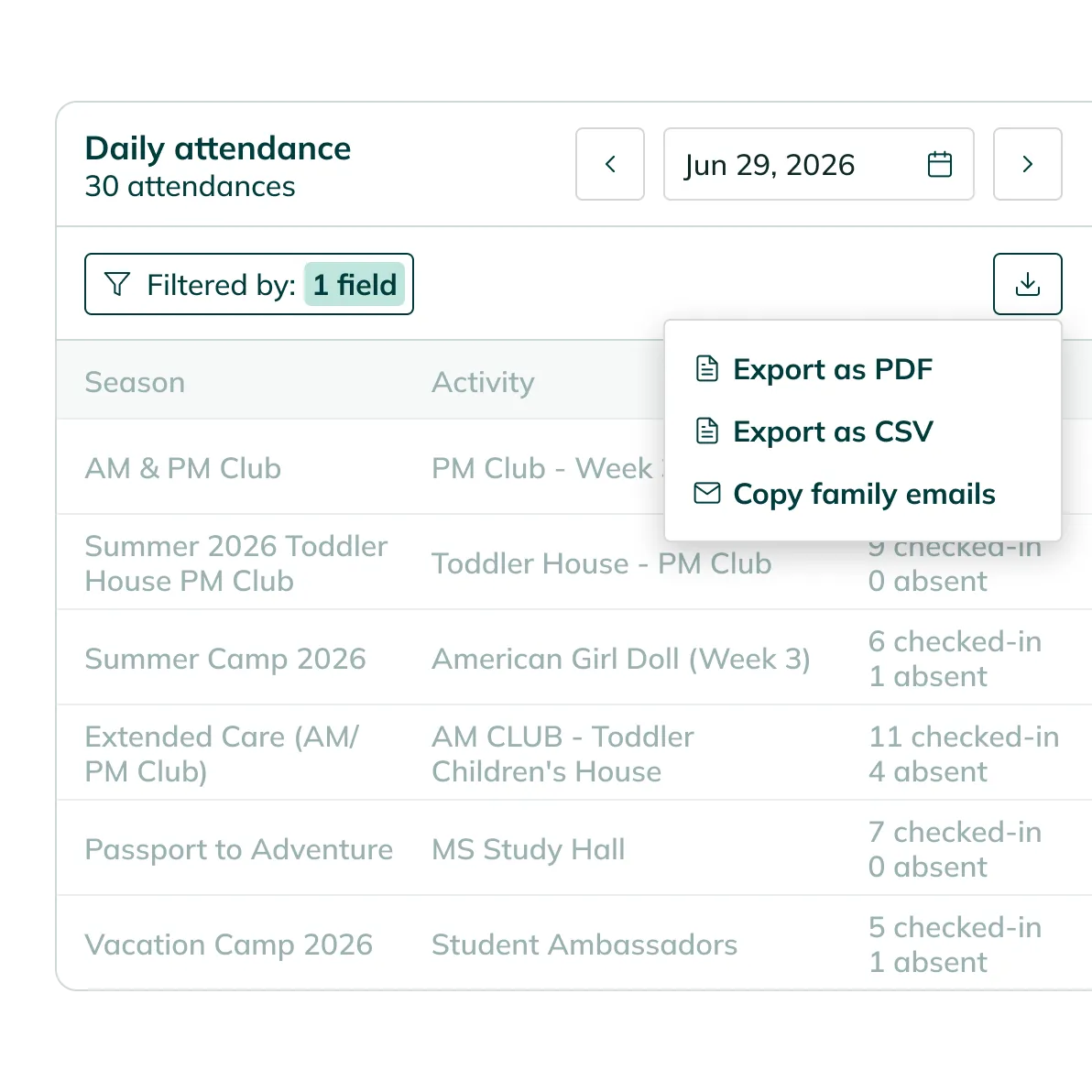
Yes. Homeroom lets you export attendance data as a CSV or PDF from any session, current or historical. Both individual program records and aggregated views are available for export.
An integrated solution purpose-built for the programs you offer.


Run your programs. Let us handle attendance.
Every sign-in tracked. Every dismissal note visible. Every record ready to export when you need it.


